
How do I add custom code to a page?
Published on: 03/11/2026
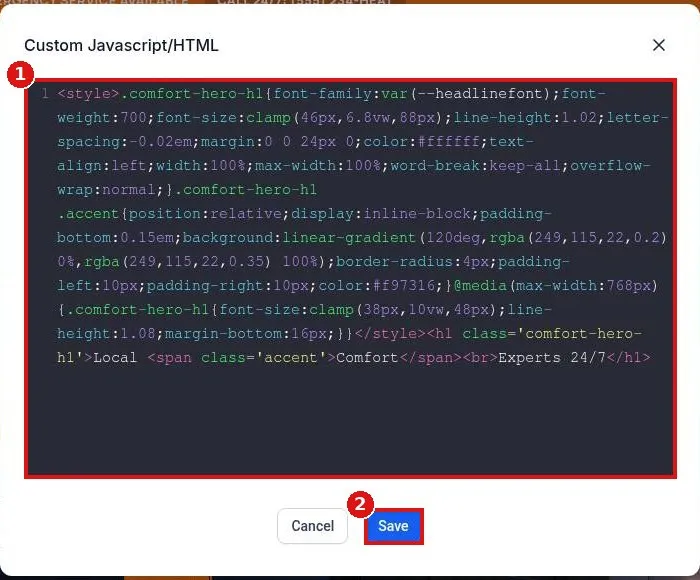
Add custom HTML or code to a Reachific page: in the builder click Add Elements, search code, drag the Code element onto the page, click Open Code Editor, paste your HTML and Save. Site wide scripts go in website Settings tracking code.
custom HTMLcodeembed codetracking codehelp center