
How do I use if/else branches in a workflow?
Published on: 03/11/2026
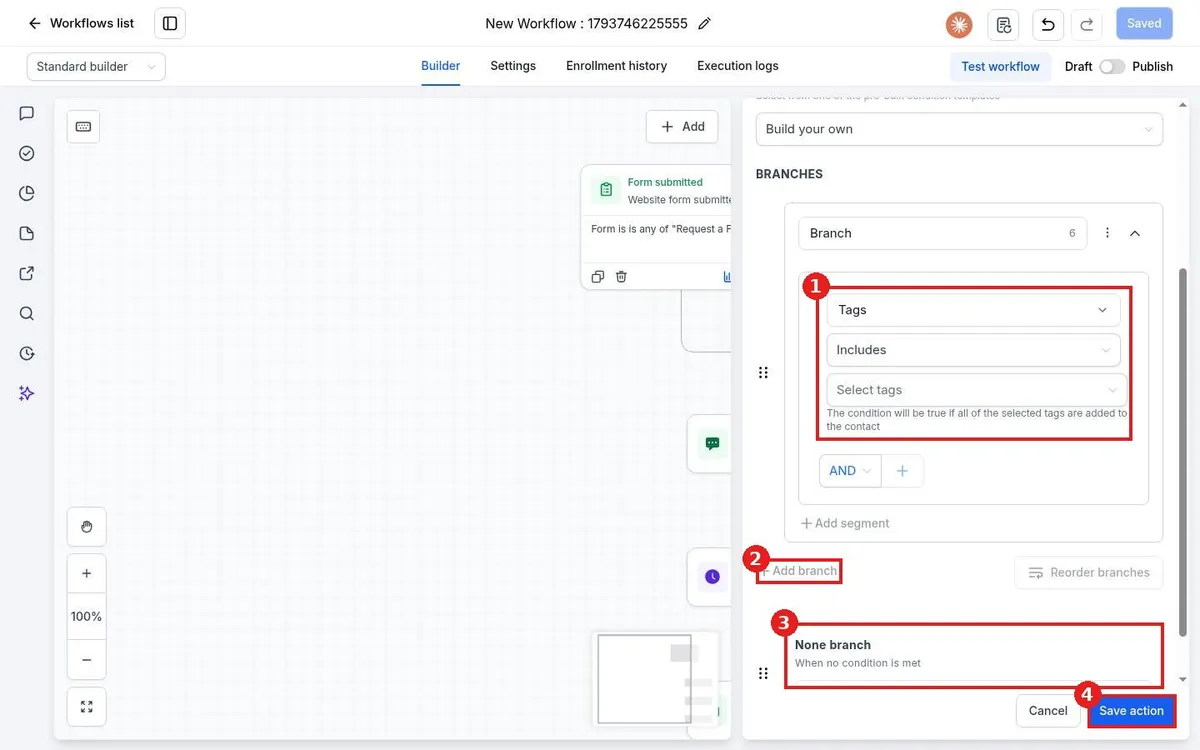
Use if/else in a Reachific workflow: click the plus, search the Actions panel for If / else, set a condition such as Tags includes a tag, add more branches if needed, and the None branch catches everyone else. Save the action and add steps to each path.
if elseconditionbranchworkflowhelp center