
How do I import opportunities from a CSV?
Published on: 03/11/2026
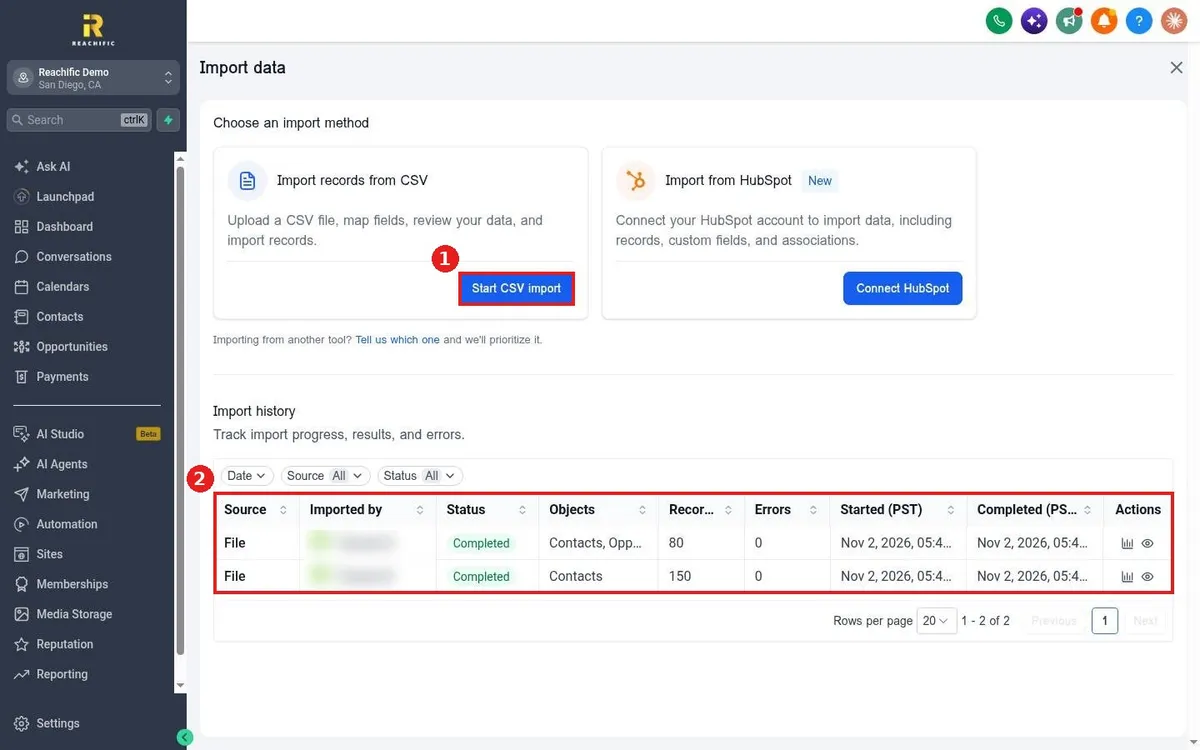
Import opportunities into Reachific: open Opportunities, click Import, choose Start CSV import, upload your file, map the columns to fields, review and import, then check Import history for results and errors.
import opportunitiesCSVpipeline importhelp center