
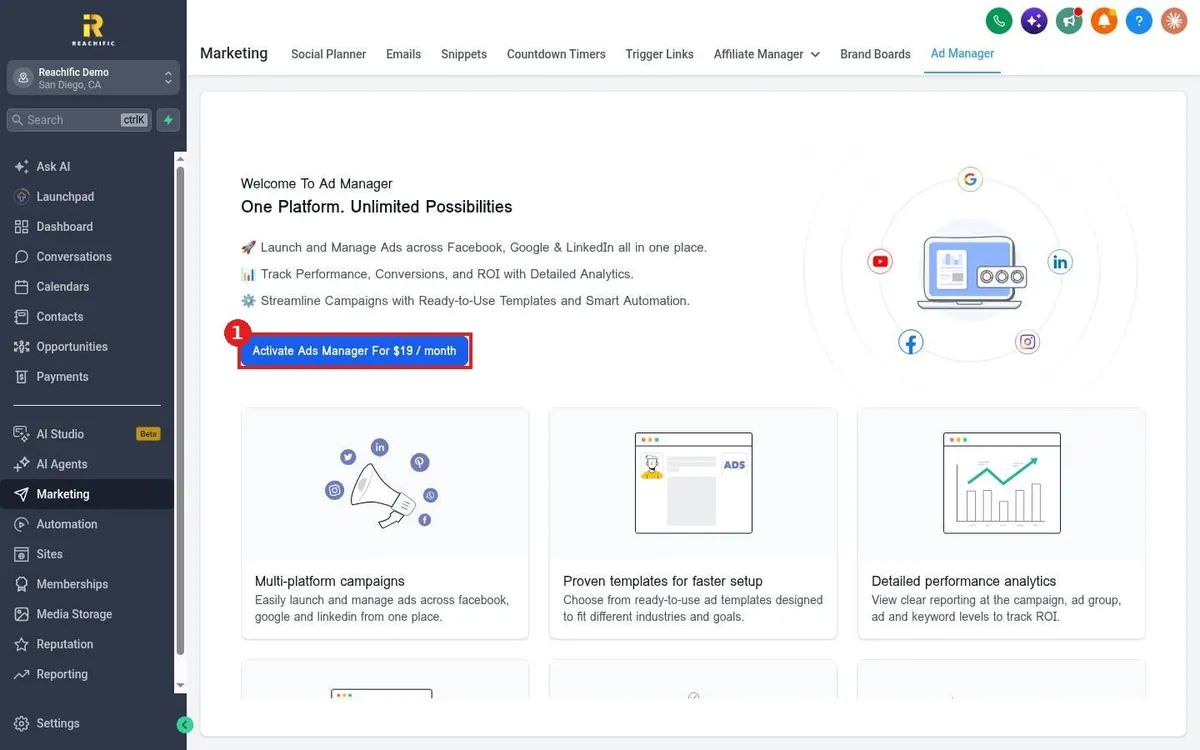
How do I run Facebook and Google ads from Ad Manager?
Quick answer: Go to Marketing > Ad Manager and activate it with the button on the welcome page. Then connect your Facebook, Google or LinkedIn ad accounts, start a campaign from a template, and track performance and ROI in one place.
Before you start
- Ad Manager is a paid add-on. The current fee is shown on the activate button in your account. Ad spend is billed by each ad network.
- Have admin access to your Facebook and Google ad accounts.
Step 1: Activate Ad Manager
- Click Marketing, then Ad Manager.
- Click the activate button (1) and confirm.
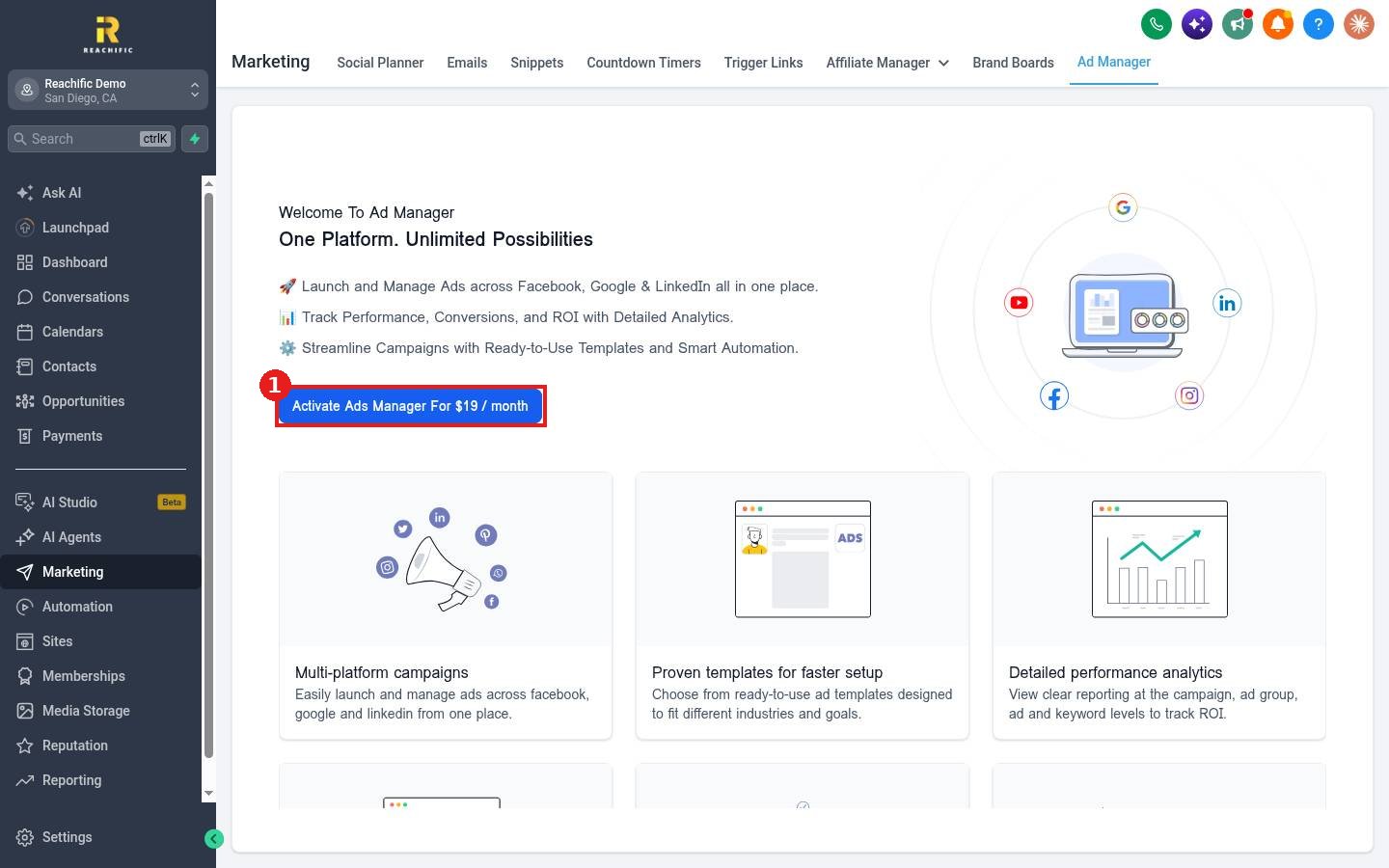
Step 2: Connect accounts and launch
- Connect each ad platform you want to use.
- Start a campaign from a ready to use template made for your industry and goal.
- Set your budget, audience and creative, then publish.
Step 3: Track results
Ad Manager reports at the campaign, ad group, ad and keyword level so you can see which ads bring leads. You can also see ad results in reporting. See How do I see where my leads come from?
FAQ
Do I still pay Facebook and Google?
Yes. Your ad spend goes to each platform. Ad Manager is where you build and track the ads.
Can I cancel the add-on?
Contact support to change or cancel add-ons.
Want us to handle it? Our team can plan, launch and manage your local ad campaigns. Book a free strategy call and get a free quote.
Related articles
- How do I connect my social media accounts?
- How do I create a trigger link to track clicks?
- How do I read my Reachific dashboard?
Still stuck? Submit a ticket and our team will help. Need faster answers? See our support plans.
