
How do I see where my leads come from?
Quick answer: Go to Reporting > Attribution report. Set the date range, choose First attribution or Last attribution, and review revenue closed, opportunities won and total leads. Open the Leads tab to see leads by source and medium.
Before you start
- Leads are tracked from forms, funnels, calls, chats and ads in Reachific.
- First attribution credits the first thing a lead touched. Last attribution credits the last thing before they converted.
Step 1: Open the attribution report
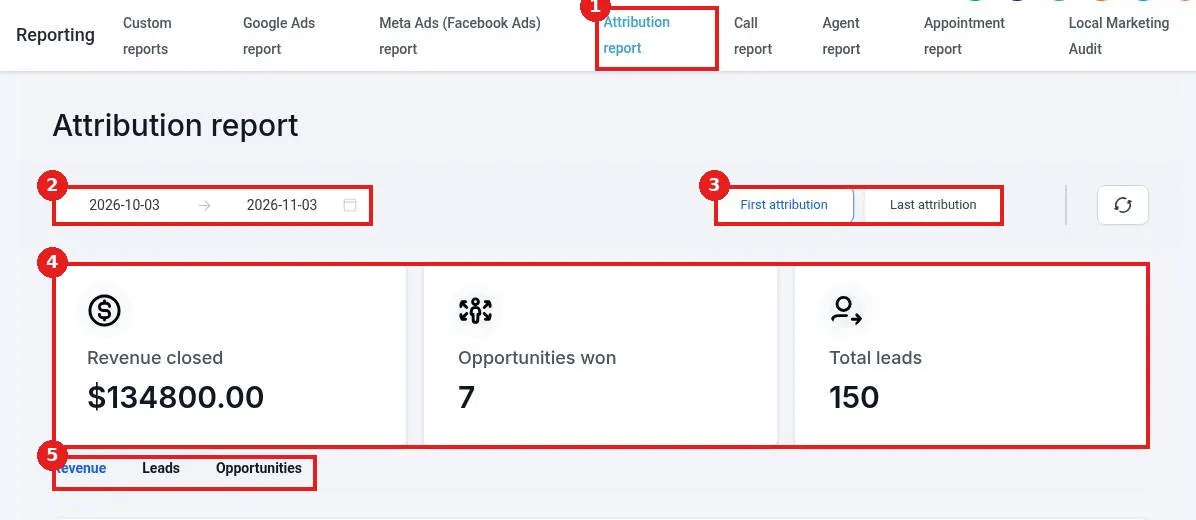
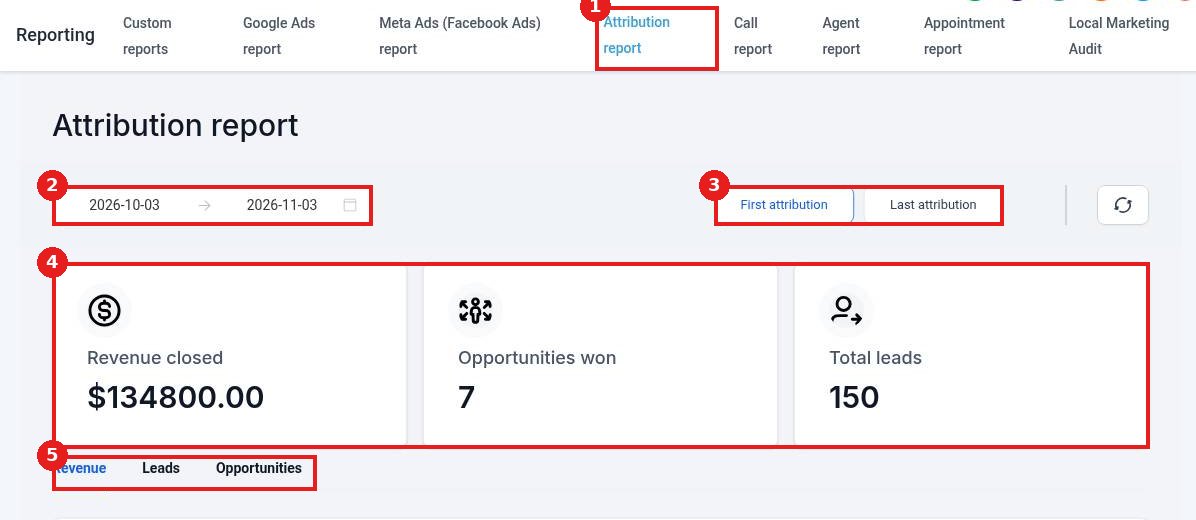
Click the Attribution report tab (1). Set the date range (2). Choose First attribution or Last attribution (3). The cards (4) show revenue closed, opportunities won and total leads. Click the Leads tab (5).
Step 2: Read leads by source and medium
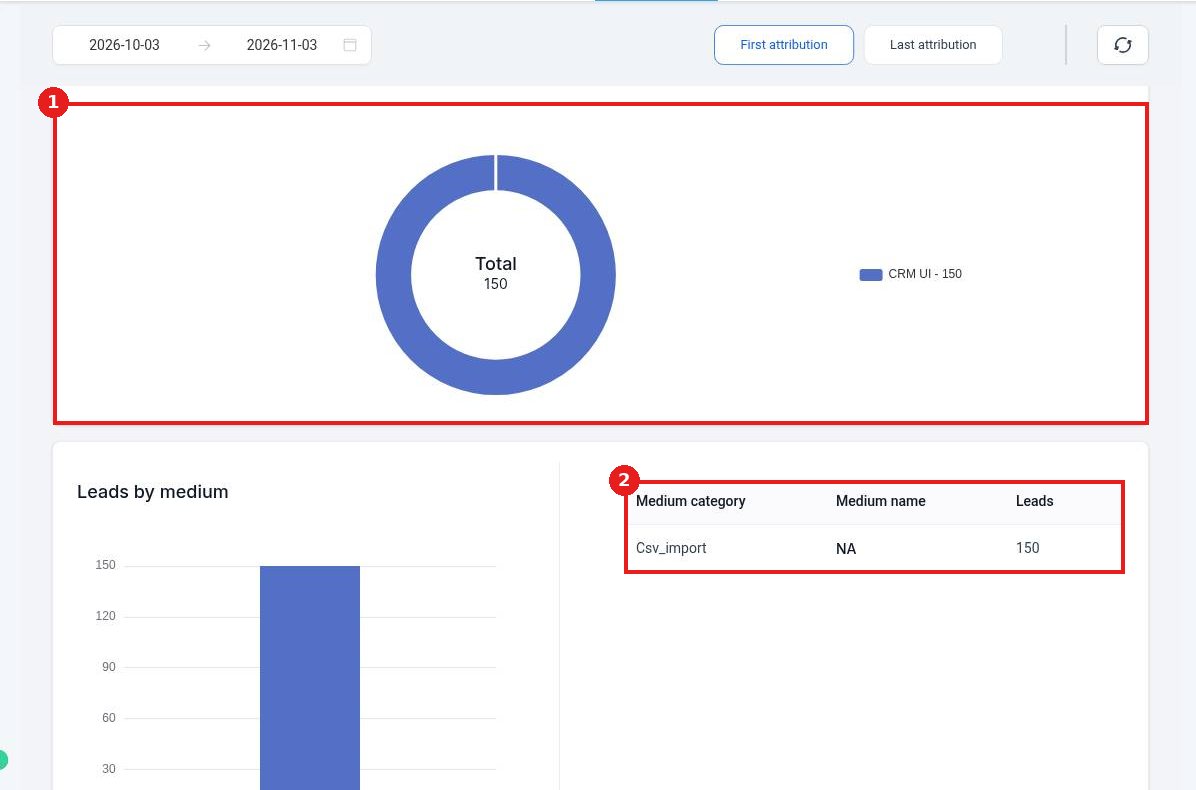
The donut chart (1) splits leads by source. The Leads by medium table (2) shows each medium category, its name and how many leads it brought in.
Step 3: Use what you learn
Put more budget and effort into the sources that bring leads who buy. Check the Revenue and Opportunities tabs to see which sources turn into real sales.
FAQ
Why do many leads show the same source?
Leads added by hand or by CSV import show as CRM or import. Leads from forms and ads show their real source.
Can I track UTM links?
Yes. UTM parameters on your links are captured with the lead and show here.
Which attribution should I use?
Use First to see what finds new people. Use Last to see what gets them to act.
Want us to handle it? Our team builds clear reports and dashboards so you always know what is working. Book a free strategy call and get a free quote.
Related articles
Still stuck? Submit a ticket and our team will help. Need faster answers? See our support plans.
