
How do I manage tags in settings?
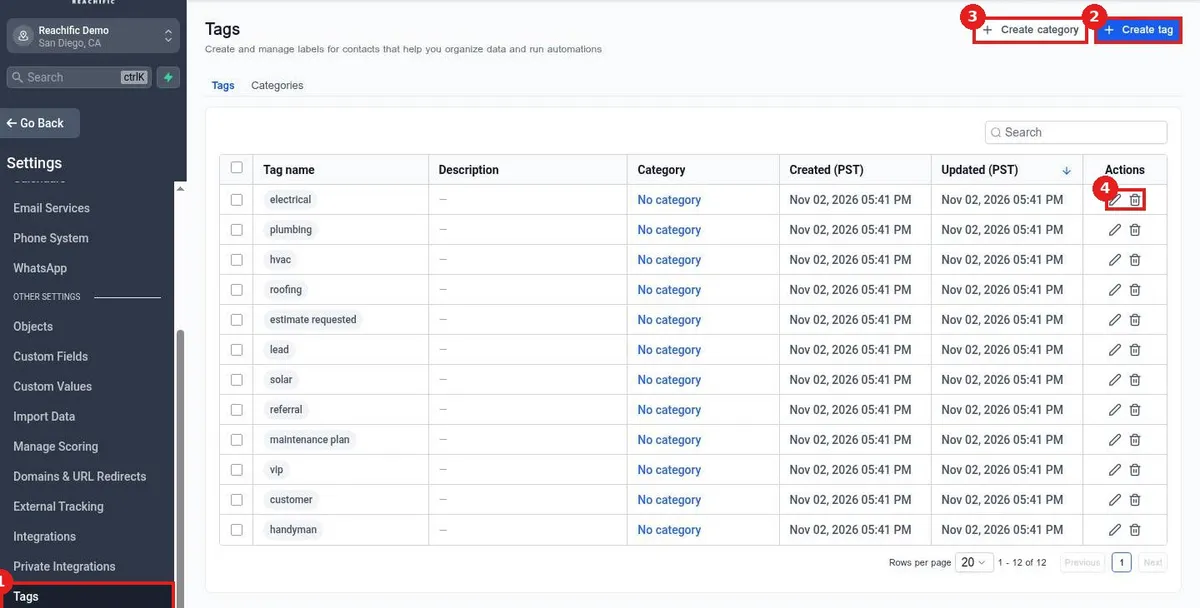
Quick answer: Go to Settings > Tags. Click Create tag to add a tag with a name, Category, description and color, or Create category to group tags. Use the pencil to edit and the trash icon to delete.
Before you start
- Deleting a tag removes it from every contact and may break workflows that use it.
- Keep tag names short and consistent, such as hvac or vip.
Step 1: Open Tags
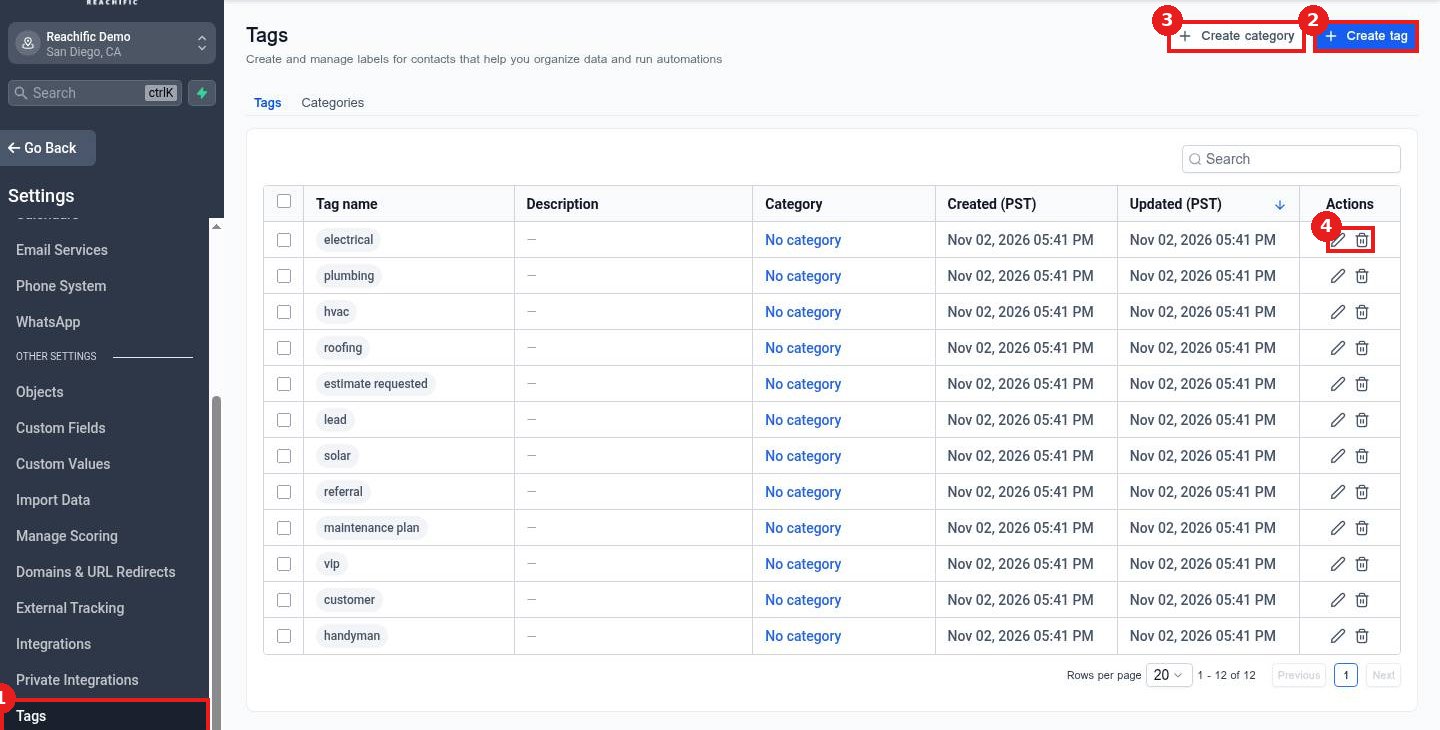
Click Tags (1). Use Create tag (2) for a new tag or Create category (3) to group them. The pencil (4) edits a tag.
Step 2: Create the tag
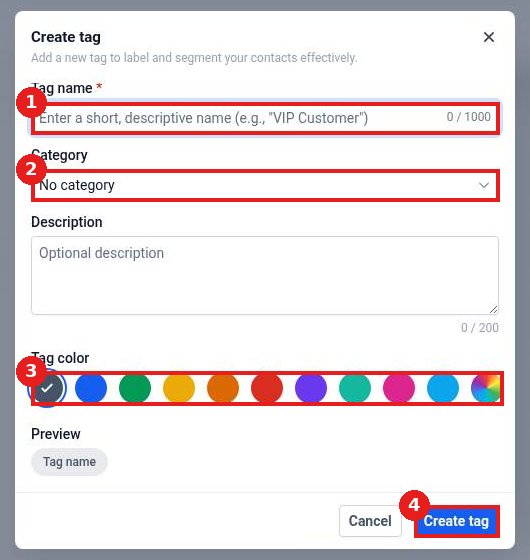
Enter the Tag name (1), pick a Category (2), choose a Tag color (3) and click Create tag (4).
FAQ
Can I rename a tag?
Yes. Click the pencil next to it and save.
Do categories change how tags work?
No. They only help you find tags faster.
How do I add tags to contacts?
From the contact record, a bulk action or a workflow.
Want us to handle it? Our team sets up your account settings, data and tracking so everything matches how your business really works. Book a free strategy call and get a free quote.
Related articles
- How do I add or remove tags on contacts?
- How do I send a bulk text or email to a list?
- How do I create a custom field for contacts?
Still stuck? Submit a ticket and our team will help. Need faster answers? See our support plans.
