
Which AI agent should I use for my business?
Quick answer: Use a Voice AI agent if you miss phone calls, a Conversation AI agent if leads text, chat or message you, and the AI Reputation Manager if you want review replies handled. Use Agent Studio for custom jobs like lead research or social posts. All of them live under AI Agents in the left menu.
Before you start
- Think about where you lose the most leads today: missed calls, slow replies to texts, or no time for reviews.
- AI usage is billed from your wallet. See support plans or ask our team about costs.
Step 1: Open AI Agents
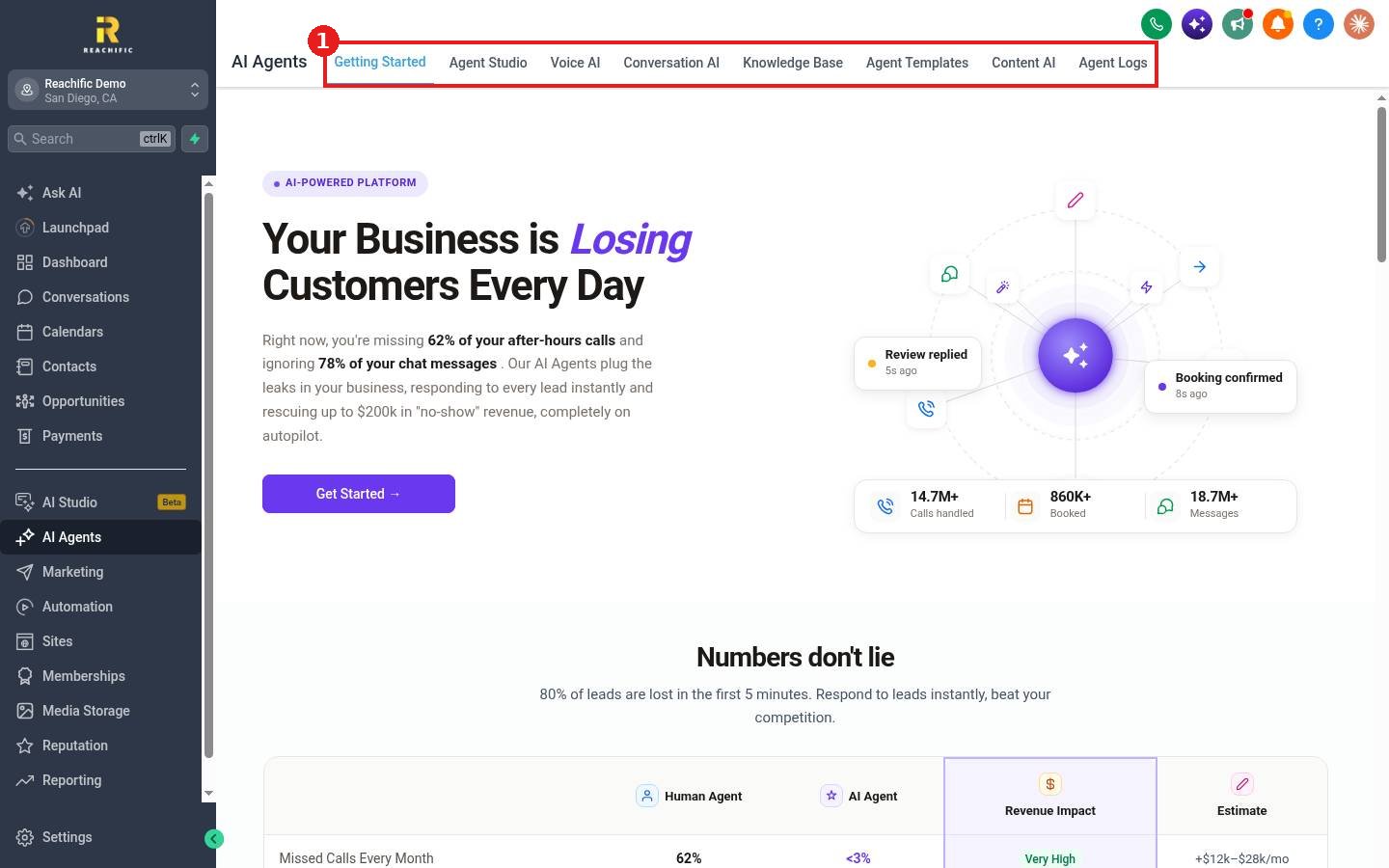
Click AI Agents in the left menu. The top menu (1) has Getting Started, Agent Studio, Voice AI, Conversation AI, Knowledge Base, Agent Templates, Content AI and Agent Logs.
Step 2: Match the agent to the job
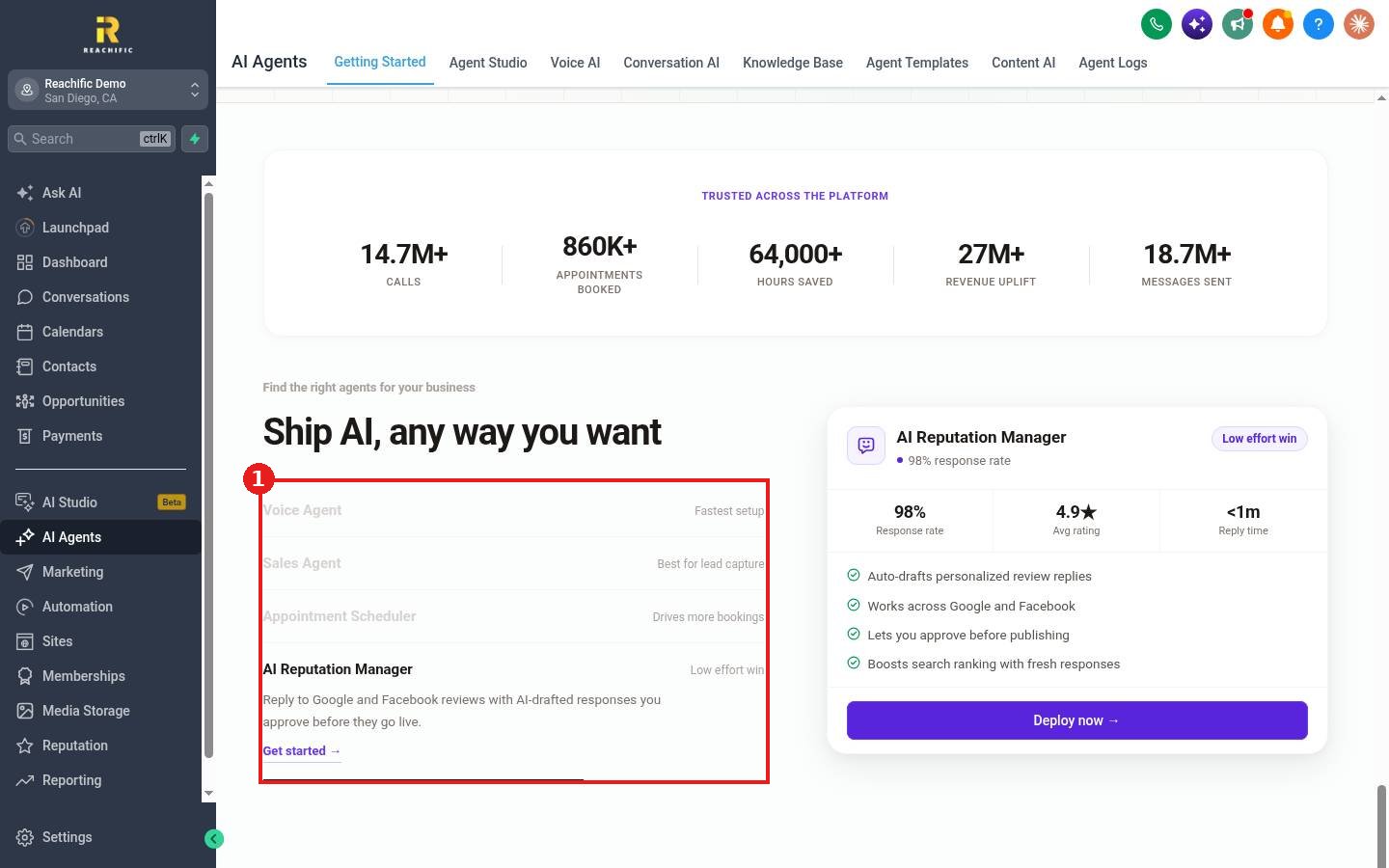
- Voice Agent answers every call, books appointments and answers common questions. Best when you miss calls after hours or on jobs. See How do I set up a Voice AI agent to answer my calls?
- Sales Agent (Conversation AI) replies instantly across SMS, email, web chat and social messages, qualifies leads and sends booking links. See How do I set up a Conversation AI bot?
- Appointment Scheduler is a Conversation AI agent focused on booking. See How do I let the AI bot book appointments?
- AI Reputation Manager drafts replies to Google and Facebook reviews that you approve before they post.
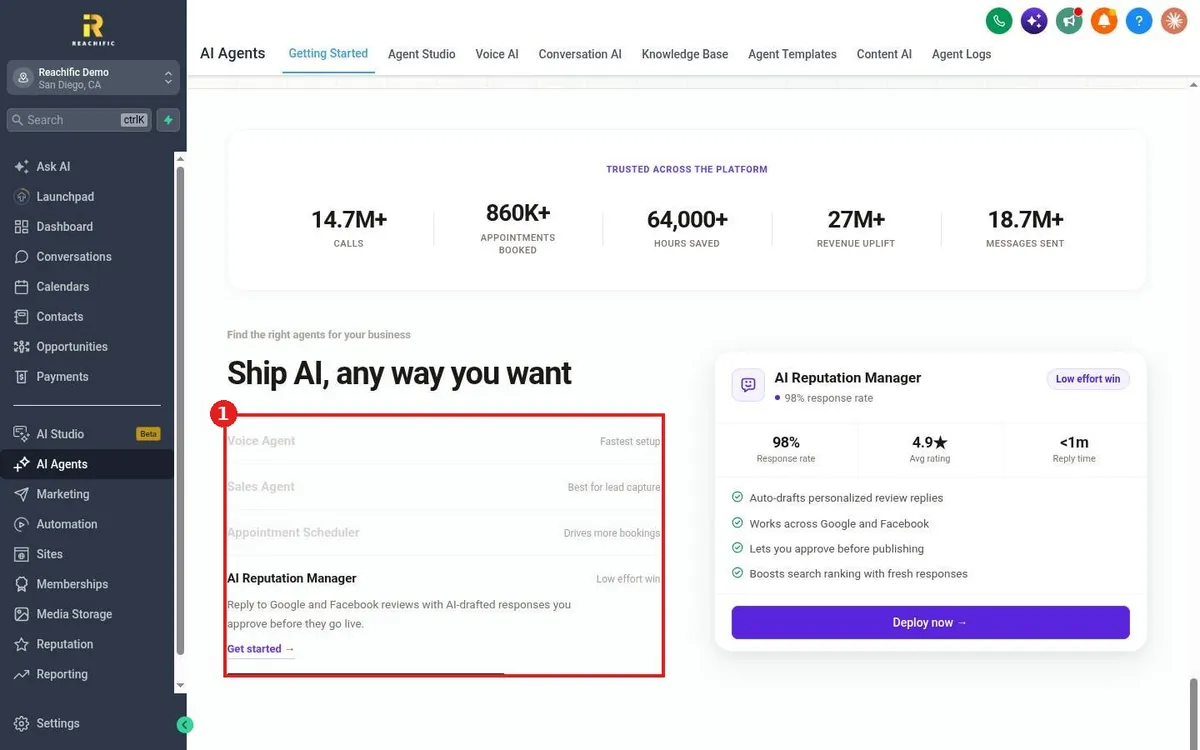
Scroll to Find the right agents for your business (1) on Getting Started to compare them side by side.
Step 3: Give the agent your knowledge
Every agent answers better with a knowledge base of your services, hours, areas and FAQs. See How do I create a knowledge base for my AI agents?
FAQ
Can I use more than one agent?
Yes. Many businesses run a Voice AI agent for calls and a Conversation AI agent for texts and chat at the same time.
Do agents work around the clock?
Yes. You can also limit a Voice AI agent to a custom schedule or use it only as a backup when no one picks up.
Want us to handle it? Our team can set up and train your AI agents on your business so no lead goes unanswered. Book a free strategy call and get a free quote.
Related articles
- How do I set up a Voice AI agent to answer my calls?
- How do I set up a Conversation AI bot to answer texts and chats?
- How do I create a knowledge base for my AI agents?
Still stuck? Submit a ticket and our team will help. Need faster answers? See our support plans.
