
How do I start from an agent template?
Quick answer: Go to AI Agents > Agent Templates. Choose Voice AI or Conversation AI, narrow the list with Categories, Use Cases, Business Niche or Pricing, open a template and install it. Then edit the agent with your own business details.
Before you start
- Templates are built by other companies. Some are free and some are paid, shown on each card.
- Always replace sample business details with your own before turning an agent on.
Step 1: Open Agent Templates
- Click AI Agents in the left menu, then Agent Templates.
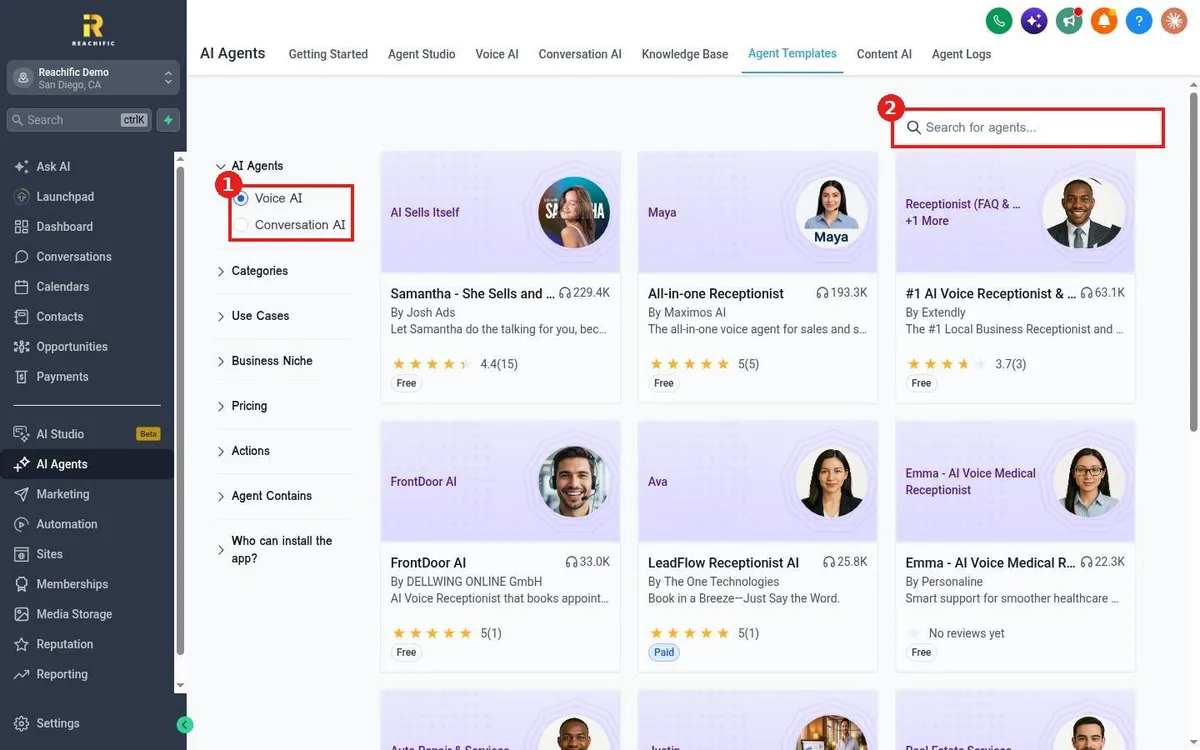
- Under AI Agents (1), pick Voice AI or Conversation AI.
- Use the filters below it, or type in Search for agents (2), for example receptionist or plumbing.
Step 2: Install and customize
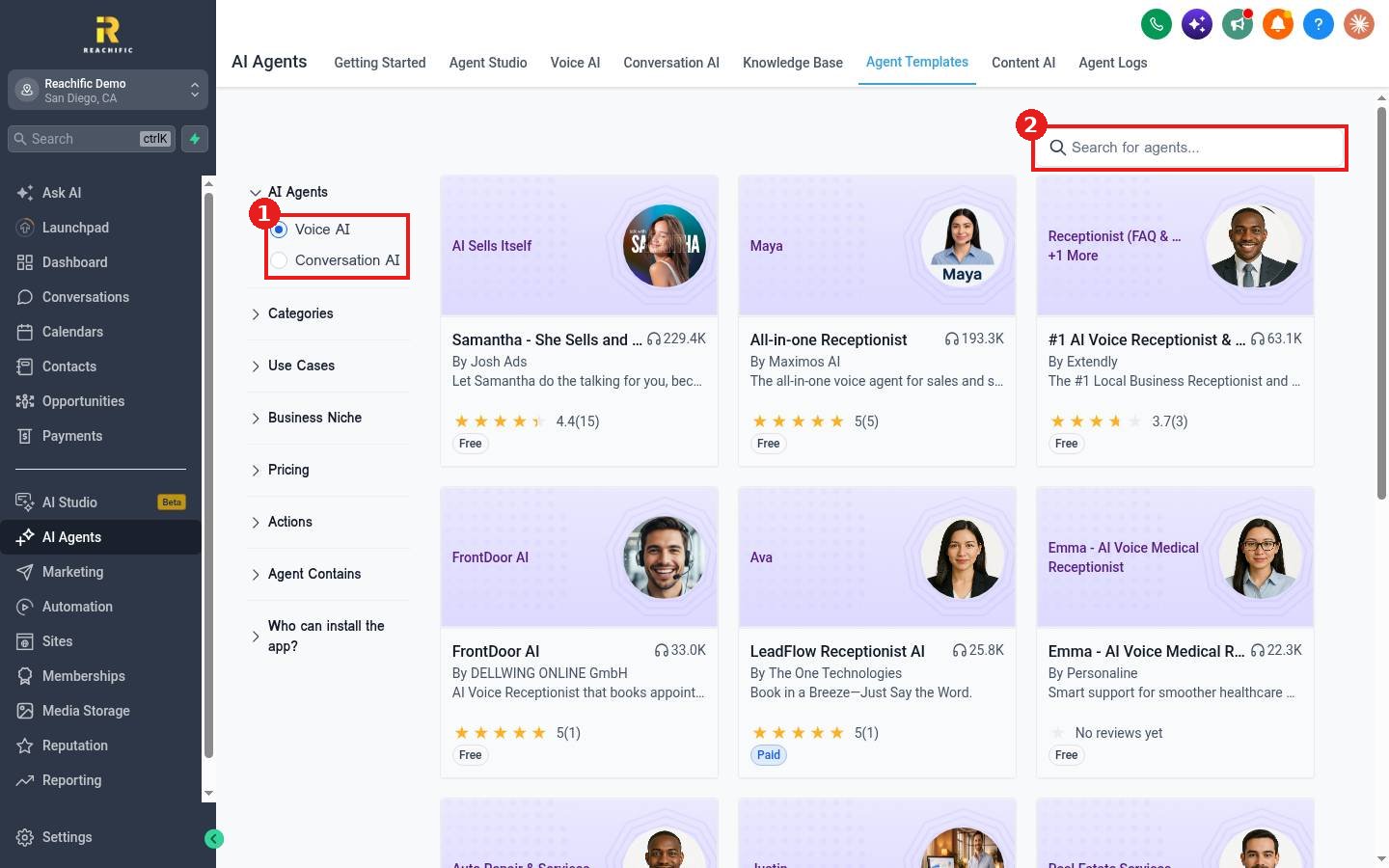
- Click a template card to see what it does, its rating and price.
- Install it. It appears in your Voice AI or Conversation AI agent list.
- Open the agent, update the prompt with your business name, services and hours, and connect your knowledge base.
- Test it before you put it live.
FAQ
Is a template better than building from scratch?
A template saves setup time and gives you a proven script. Building from scratch gives you full control. Both end up as an agent you can edit.
Can I start Voice AI from a template directly?
Yes. On the Voice AI page, click Explore templates.
Want us to handle it? Our team can pick and customize the right agent template for your trade. Book a free strategy call and get a free quote.
Related articles
- How do I set up a Voice AI agent to answer my calls?
- How do I build a custom agent in Agent Studio?
- Which AI agent should I use for my business?
Still stuck? Submit a ticket and our team will help. Need faster answers? See our support plans.
