
How do I set up an affiliate program?
Quick answer: Go to Marketing > Affiliate Manager and click Start Your First Affiliate Campaign. Connect Stripe, NMI, Authorize.Net or PayPal so sales are tracked, click Next: Add Affiliates, then set up your campaign and commissions.
Before you start
- Decide what you pay affiliates, such as a percent of each sale or a flat amount per lead.
- Your sales need to run through a connected payment gateway for automatic tracking.
Step 1: Start the campaign
- Click Marketing, then Affiliate Manager.
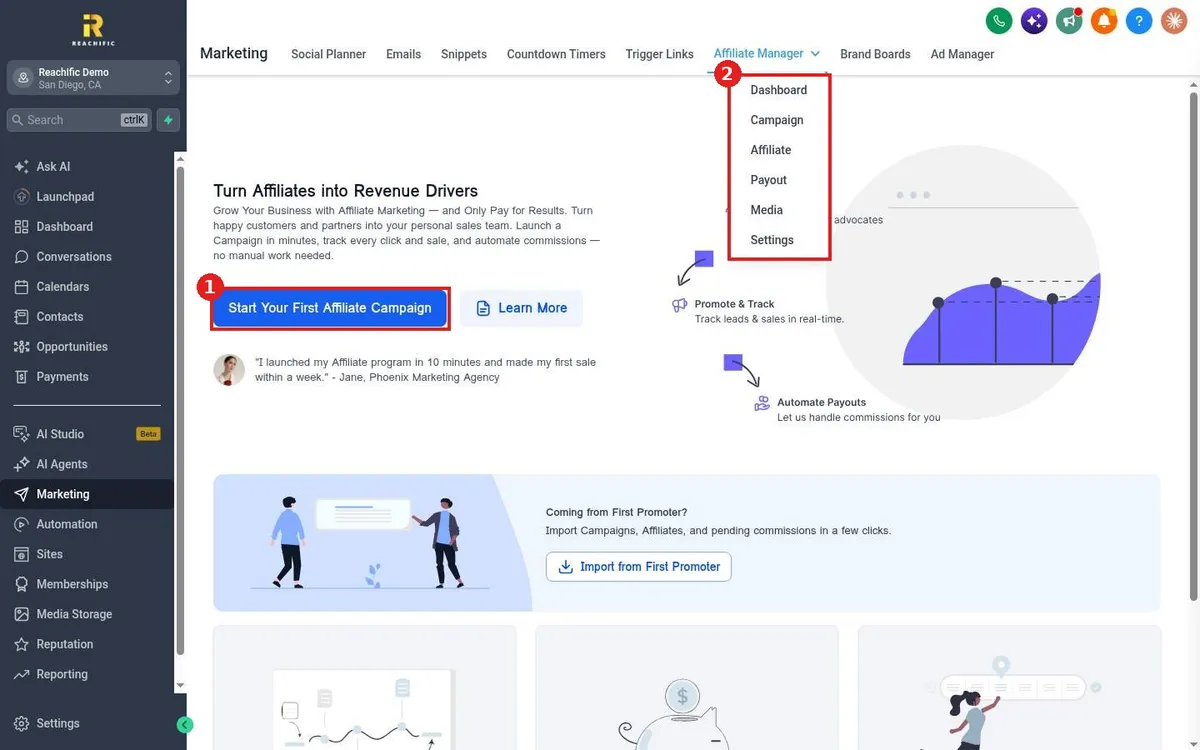
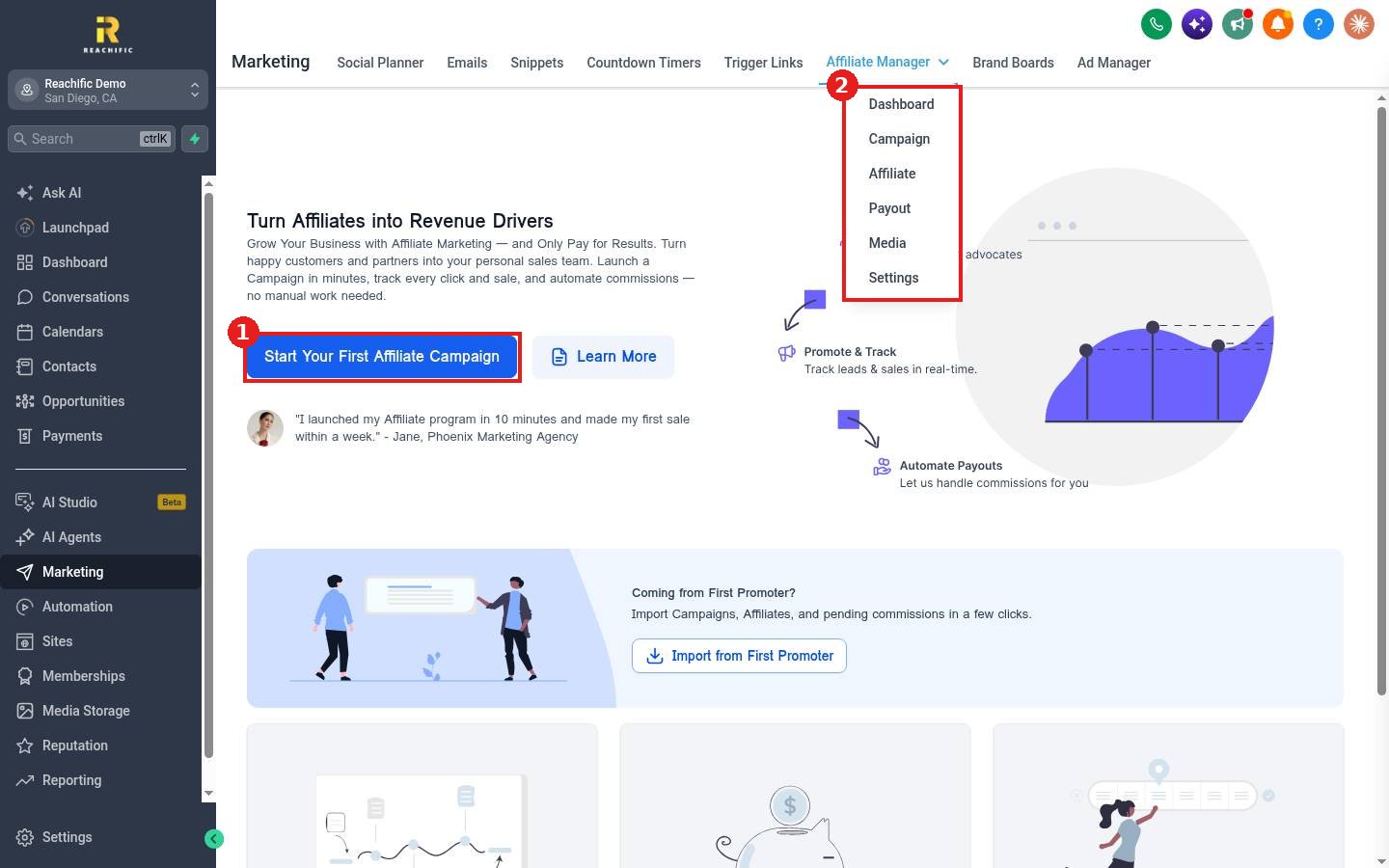
- Click Start Your First Affiliate Campaign (1). The Affiliate Manager menu (2) also has Dashboard, Campaign, Affiliate, Payout, Media and Settings.
Step 2: Connect a payment gateway
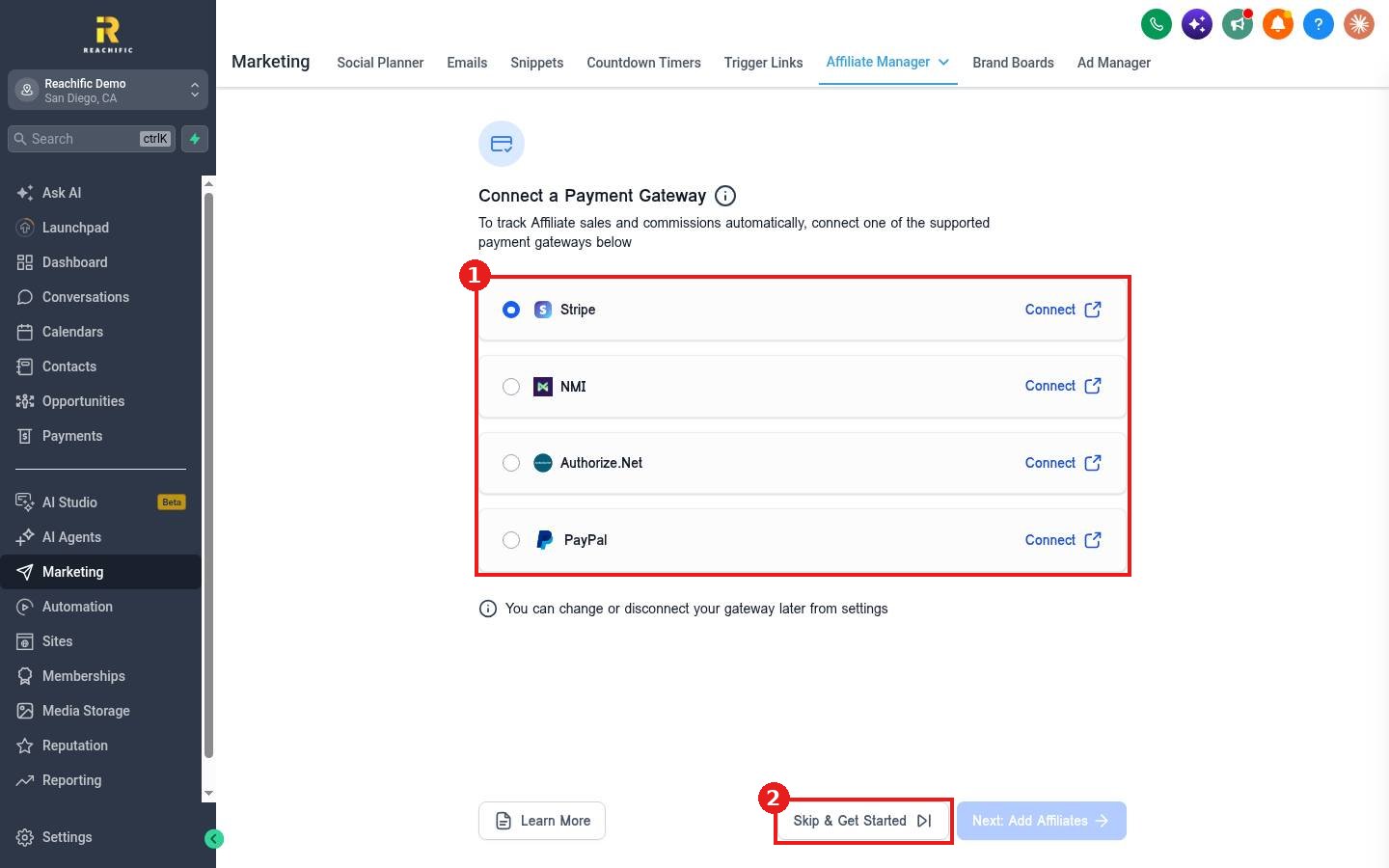
- Pick a gateway and click Connect (1): Stripe, NMI, Authorize.Net or PayPal.
- Click Next: Add Affiliates, or Skip & Get Started (2) to connect later.
Step 3: Add affiliates and pay them
Add your affiliates, share their tracking links, and set commission rules in the campaign. Use Payout to track and pay what you owe. Upload banners and copy for affiliates under Media.
FAQ
Can I move from another affiliate tool?
Yes. There is an Import from First Promoter option on the welcome page.
Do I have to connect a gateway first?
No, you can skip it, but sales will not be tracked automatically until one is connected.
Want us to handle it? Our team can build a referral program that turns happy customers into a steady lead source. Book a free strategy call and get a free quote.
Related articles
- How do I connect Stripe to take payments?
- How do I create a coupon code?
- How do I create a trigger link to track clicks?
Still stuck? Submit a ticket and our team will help. Need faster answers? See our support plans.
