
How do I create a coupon code?
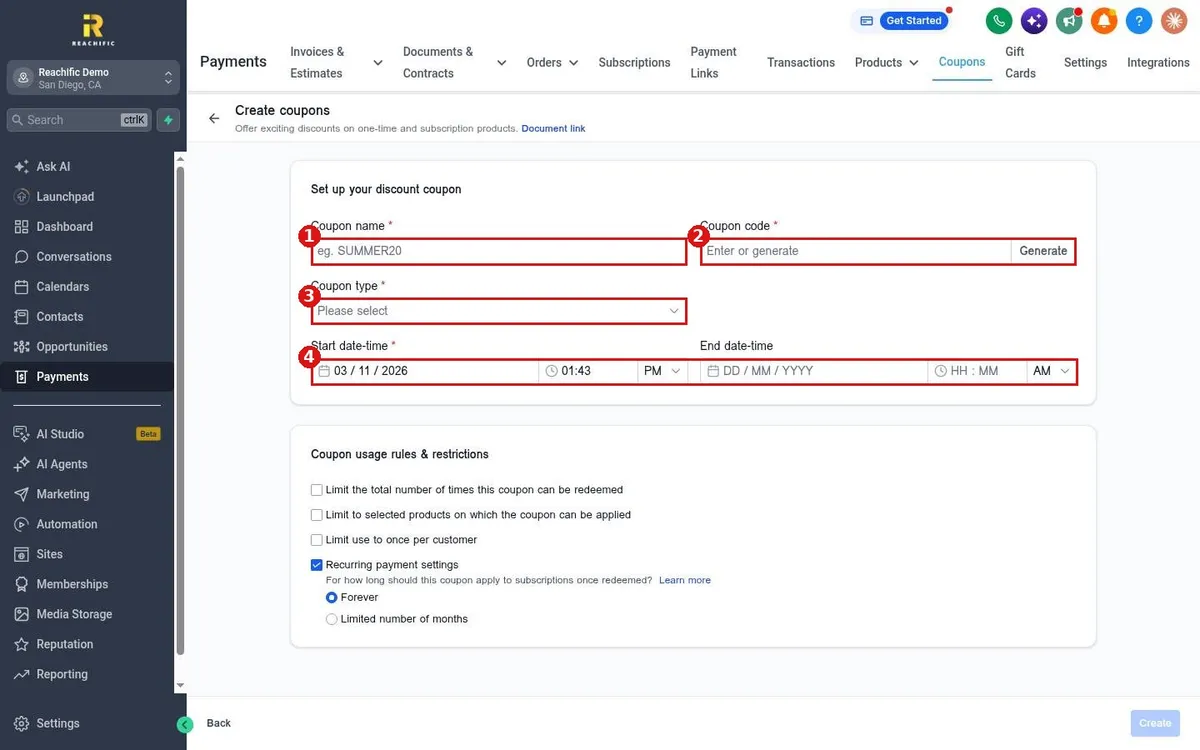
Quick answer: Go to Payments > Coupons and click Create Coupon. Enter a coupon name and code, choose Percentage coupon or Fixed coupon, set the start and end dates, add any limits, then click Create.
Before you start
- Coupons give discounts on one time and subscription products.
- Decide the code customers will type, the discount, and how long it runs.
Step 1: Set up the coupon
- Click Payments in the left menu, then Coupons in the top menu. Click Create Coupon.
- Enter a Coupon name (1) for your own use.
- Enter the Coupon code (2) customers will type, or click Generate to make one.
- Click Coupon type (3) and choose Percentage coupon or Fixed coupon.
- Set the Start date-time and an optional End date-time (4).
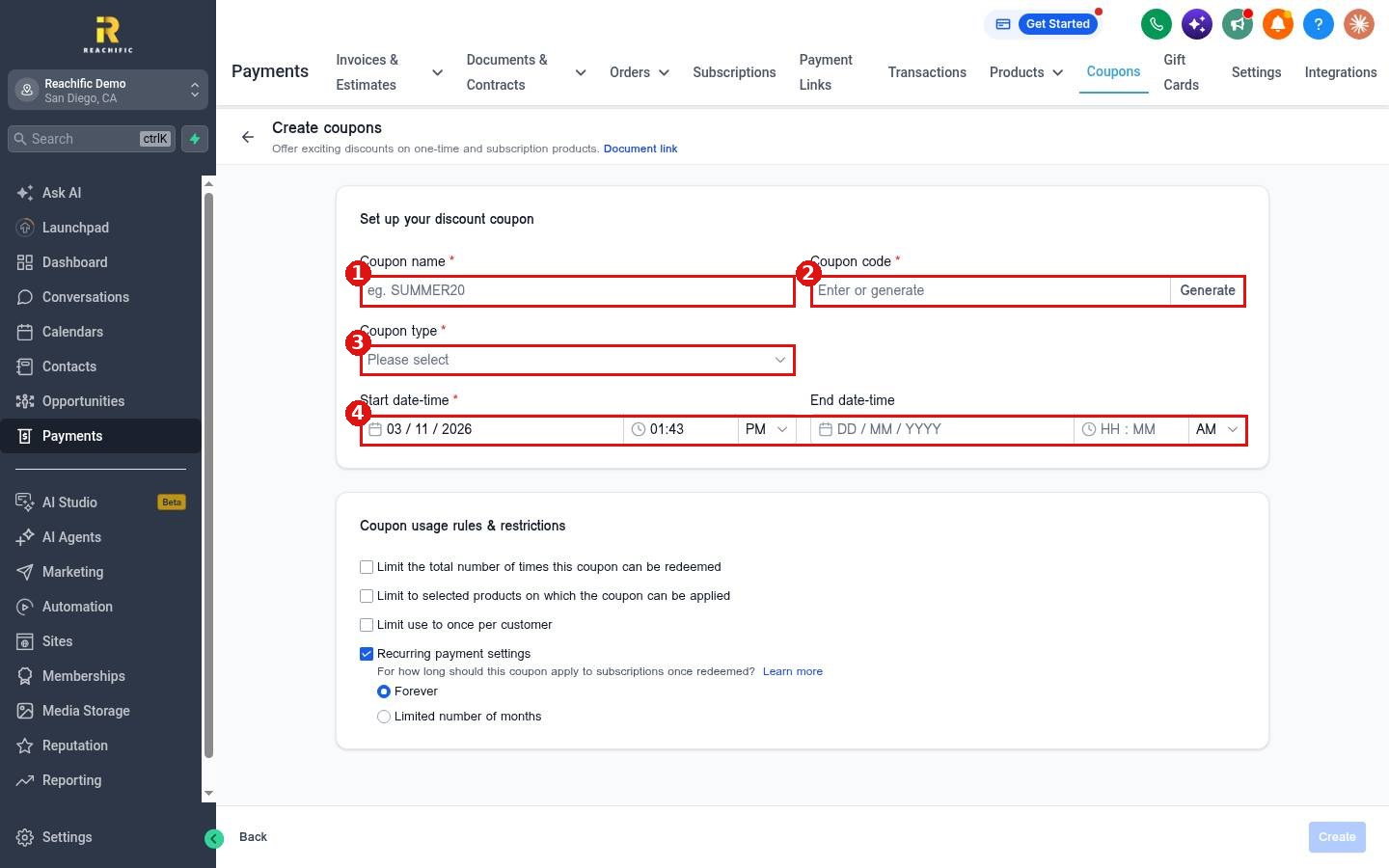
The coupon type list offers two choices.
Step 2: Add usage rules
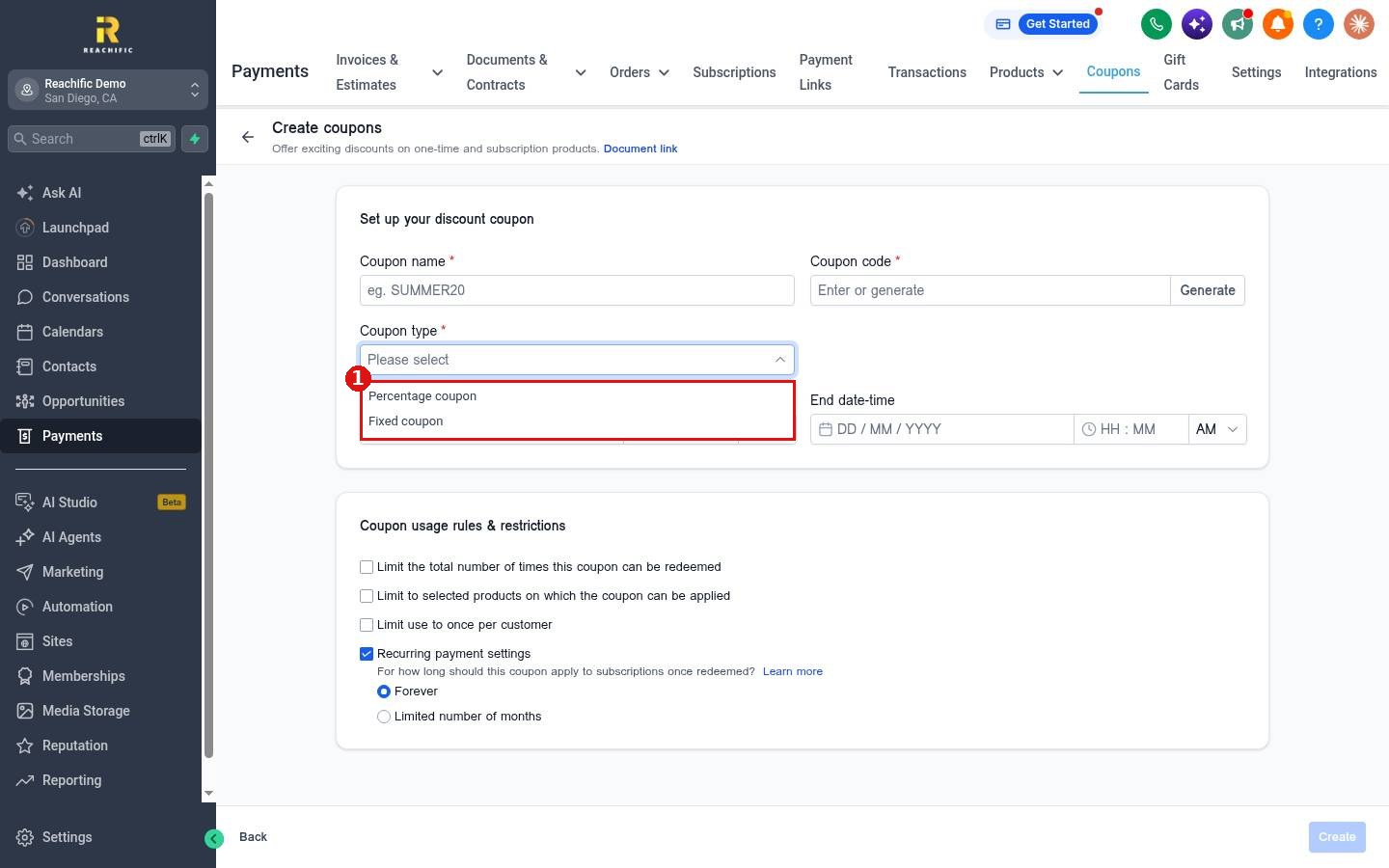
Under Coupon usage rules & restrictions, tick any limits you want:
- Limit the total number of times the coupon can be redeemed.
- Limit the coupon to selected products.
- Limit use to once per customer.
- Under Recurring payment settings, choose whether a subscription discount lasts Forever or a Limited number of months.
Click Create at the bottom right to save the coupon.
Step 3: Check your coupons
The Coupons page has tabs for All, Active, Scheduled and Expired coupons, with the code, discount, start date, status and redemption count.
FAQ
Where can customers use a coupon?
On payment links that allow coupon codes. See How do I create a payment link?
What is the difference between percentage and fixed?
A percentage coupon takes a share off the price. A fixed coupon takes a set dollar amount off.
Want us to handle it? Our team can plan your offers and set up the coupons and follow up that bring customers back. Book a free strategy call and get a free quote.
Related articles
- How do I create a payment link?
- How do I create and send an invoice?
- How do I set my payment and tax settings?
Still stuck? Submit a ticket and our team will help. Need faster answers? See our support plans.
