
How do I set a 404 page and favicon?
Quick answer: Open Sites > Websites, your website, then the Settings tab. Paste an image link in Favicon URL or click the picker to choose one from Media Storage, then Save. For a 404 page, add and publish a page such as Page Not Found, then go to Settings > Domains, click Manage on your domain, open the three dot menu on the website row, click Edit and choose it under the default 404 page setting.
Before you start
- Use a small square image for the favicon, such as 32 by 32 or 64 by 64 pixels.
- The 404 page setting needs a connected domain, and each domain can use its own 404 page.
Step 1: Add your favicon
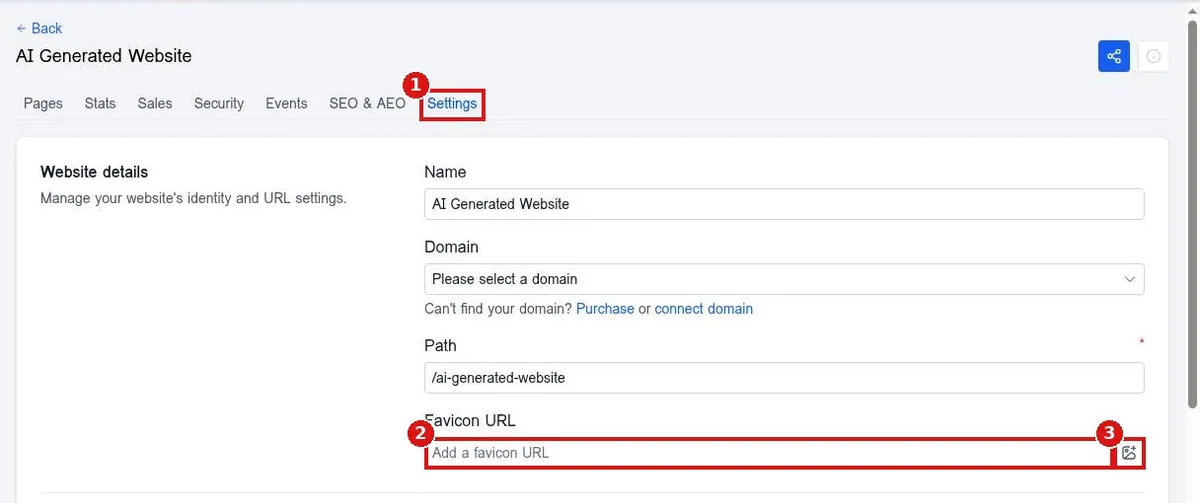
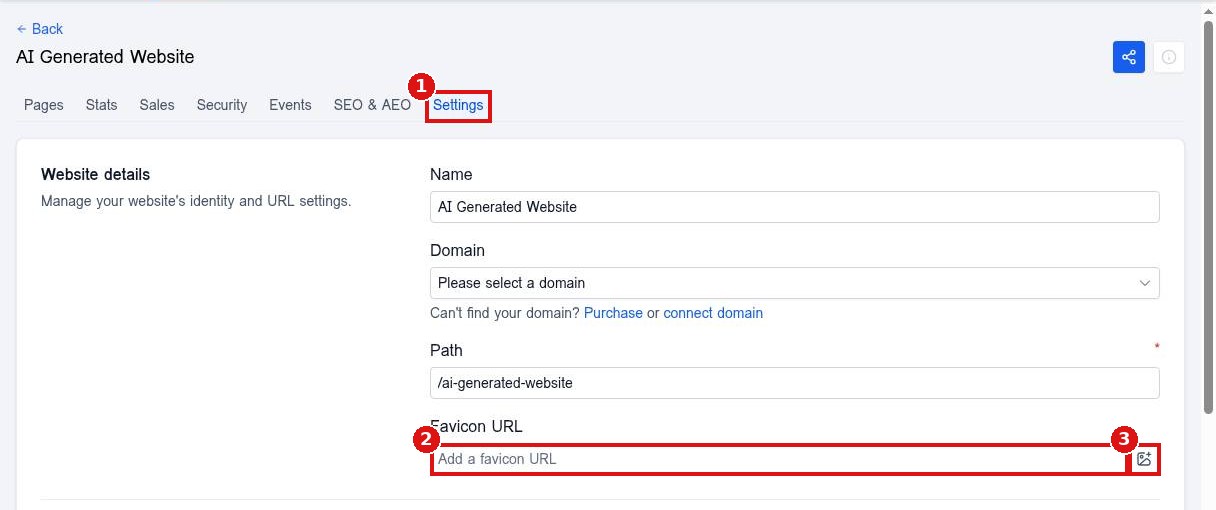
Open the website Settings tab (1). Paste the image link in Favicon URL (2), or click the picker (3) to choose it from Media Storage. Scroll down and click Save.
Step 2: Build your 404 page
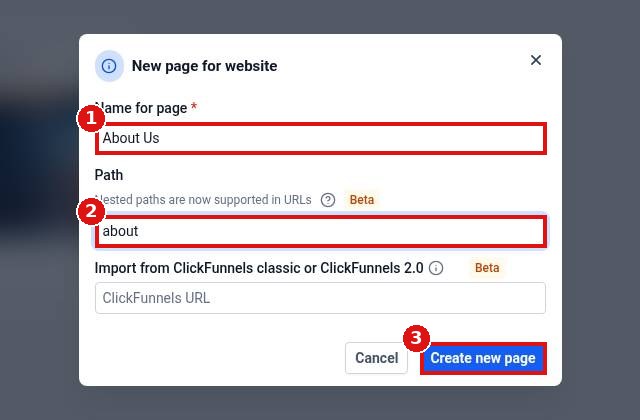
On the Pages tab click Add new page, name it Page Not Found, design a friendly message with a link home, and publish it.
Step 3: Choose it as the 404 page
Go to Settings > Domains, click Manage on your domain, open the three dot menu on the website row and click Edit. Pick your page as the default 404 page and Save.
FAQ
Why does my favicon not show yet?
Browsers cache favicons. Publish, then reload with a hard refresh or open a private window.
Can each domain have a different 404 page?
Yes. The 404 page is set per domain connection.
What should a 404 page include?
A short message, a search or menu, and buttons to your home page and contact page.
Want us to handle it? Our team designs and builds fast, mobile friendly websites that turn visitors into leads, then keeps them updated for you. Book a free strategy call and get a free quote.
Related articles
- How do I connect my domain to my Reachific website?
- How do I add a new page to my website?
- How do I publish my website changes?
Still stuck? Submit a ticket and our team will help. Need faster answers? See our support plans.
