
How do I issue completion certificates?
Quick answer: Go to Memberships > Credentials, click Create > Create Certificate and design it. Then open your course, set it as the Course Completion Credential on the Outline tab and make sure it is Published. Students receive it when they complete the course.
Before you start
Have your logo and the wording you want on the certificate.
Credentials can be certificates or badges.
Step 1: Open Credentials
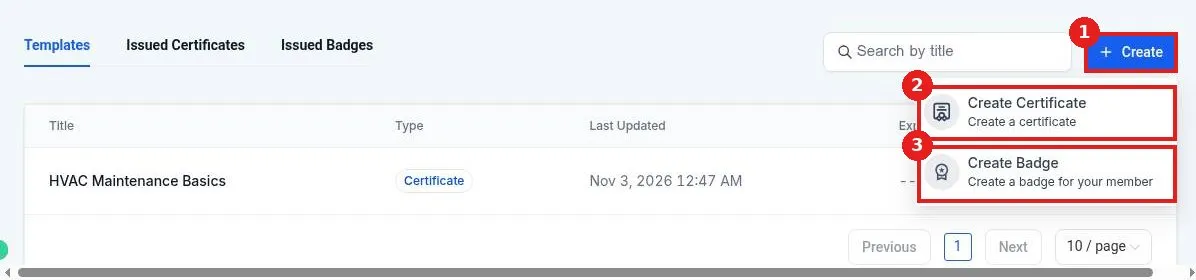
Click Credentials (1) in Memberships. You can describe a design to Certificate AI or start manually. Click Create (2). Your saved designs are under Templates (3), and sent ones under Issued Certificates.
Step 2: Create the certificate
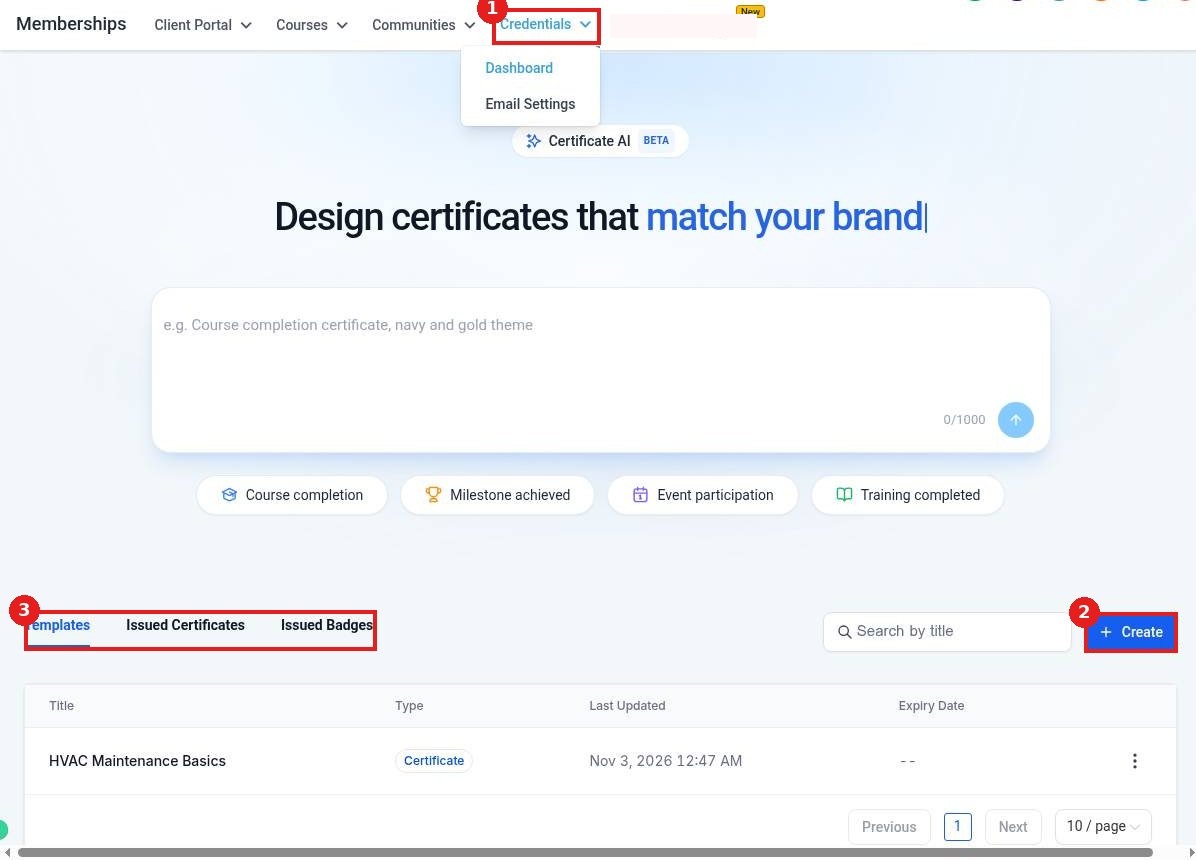
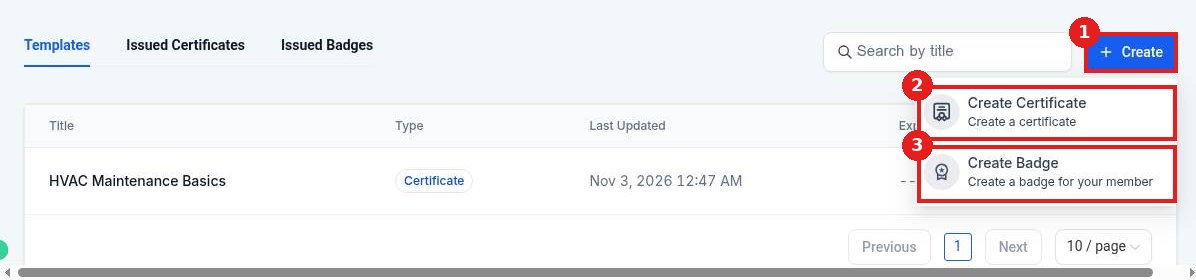
After clicking Create (1), choose Create Certificate (2) or Create Badge (3). Add your text, logo and the student name and date fields, then save.
Step 3: Attach it to the course
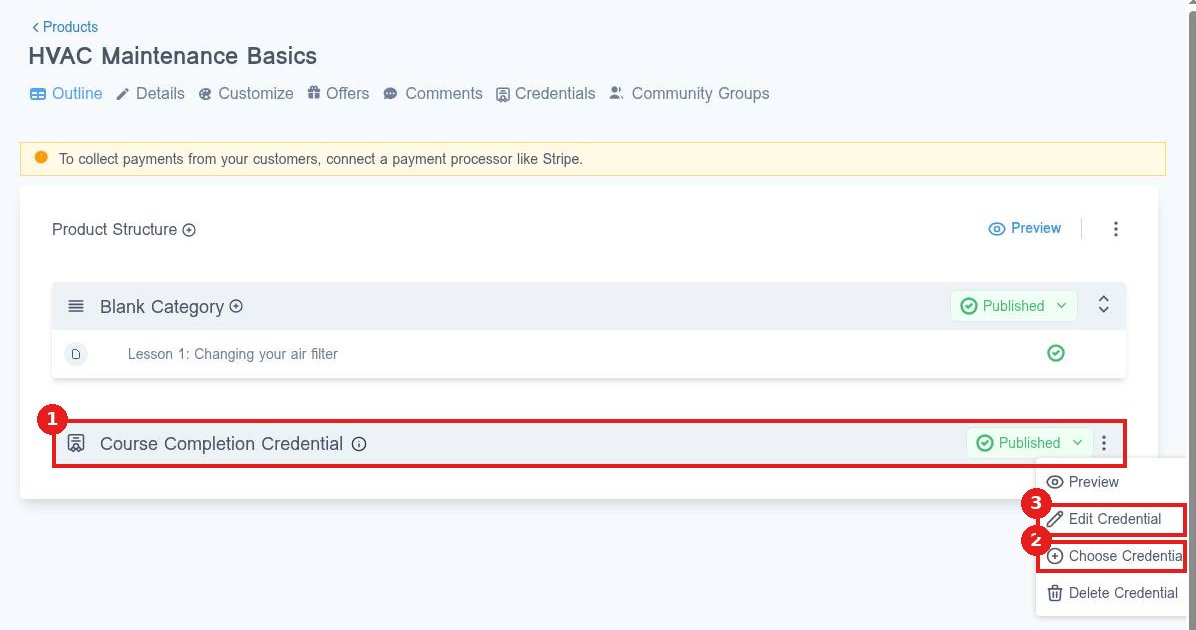
Open the course from Courses > Products. On the Outline tab, find Course Completion Credential (1). Open its menu and click Choose Credential (2) to pick your certificate, or Edit Credential (3) to change it. Set it to Published.
FAQ
When does a student get the certificate?
When they complete every published lesson in the course.
Can I see who earned one?
Yes. Open Credentials and click Issued Certificates.
Can I change the email that goes out with it?
Yes. Use Credentials > Email Settings.
Related articles
Still stuck? Submit a ticket and our team will help. Need faster answers? See our support plans.
