
How do I run a local marketing audit?
Quick answer: Go to Reporting > Local Marketing Audit and click Generate report now. Check the business name, address and website, pick your Google Business Profile, then generate the report. It covers reviews, website health, your Google profile and listings.
Before you start
- Have your website address and the exact business name used on Google.
Step 1: Open the audit
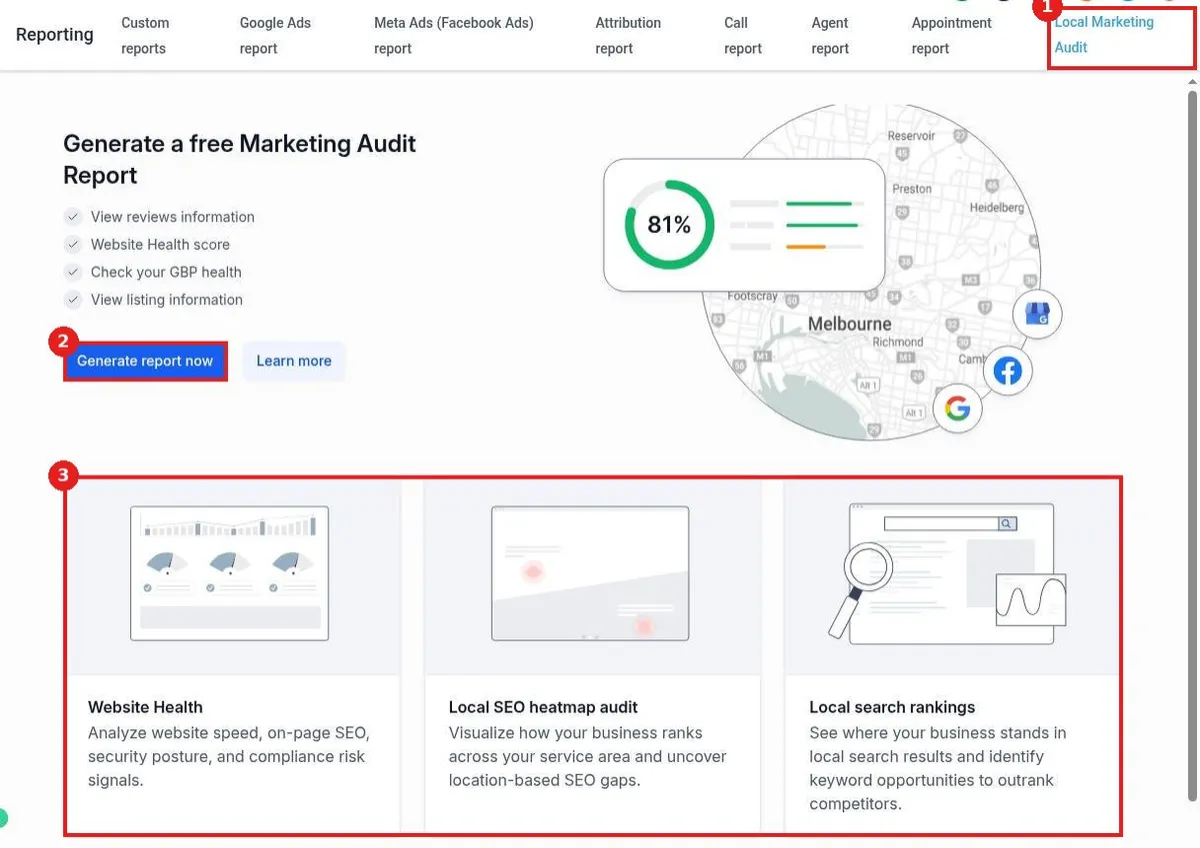
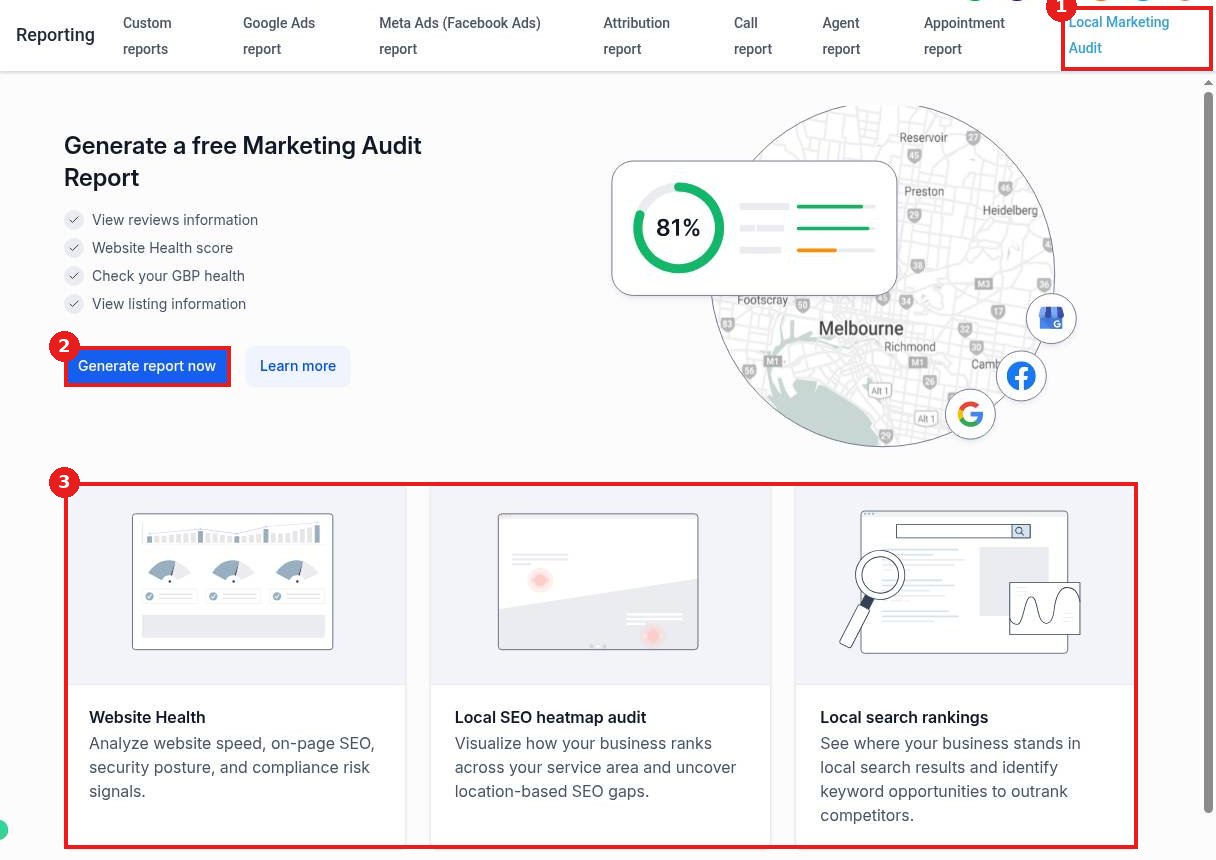
Click the Local Marketing Audit tab (1). Click Generate report now (2). The cards below (3) show what the audit checks: website health, a local SEO heatmap and local search rankings.
Step 2: Confirm your business details
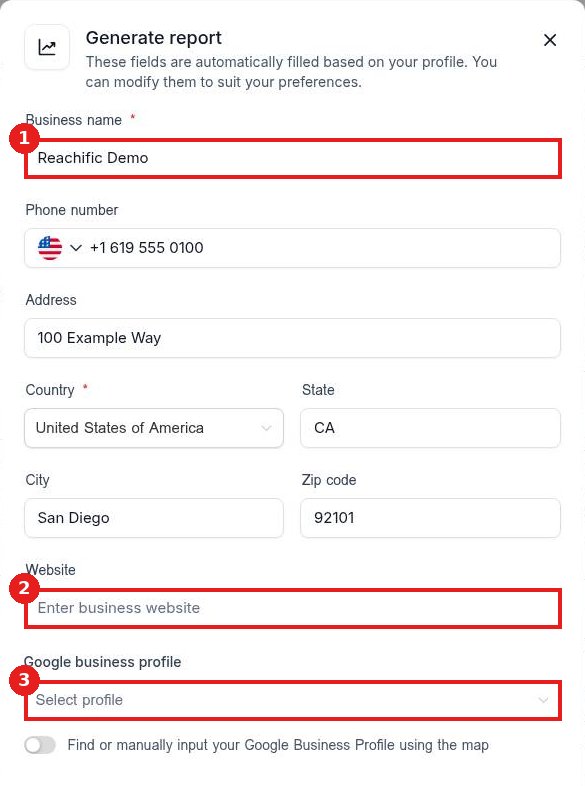
The form fills in from your profile. Check the Business name (1). Add your Website (2). Pick your Google business profile (3), or turn on the map option to find it. Then generate the report.
Step 3: Read and share the results
The report scores each area and lists what to fix first. Share it with your team or use it to plan your next marketing steps.
FAQ
Is the audit free?
The page says it is free to generate. Some deeper scans may use account credits, which the screen will show before you run them.
Can I audit a prospect's business?
Yes. Change the business details in the form before you generate.
How often should I run it?
Once a month is a good rhythm to track progress.
Want us to handle it? Our team fixes what the audit finds, from your Google profile to your website and reviews. Book a free strategy call and get a free quote.
Related articles
Still stuck? Submit a ticket and our team will help. Need faster answers? See our support plans.
