
How do I add products to my store?
Quick answer: Go to Payments > Products and open or create a product. Turn on Include in Online store, fill in the title, price and images, and click Save. The product then appears in your store.
Before you start
- Create your store first in Sites > Stores.
- Have a product photo, a short description and the price ready.
Step 1: Open your products
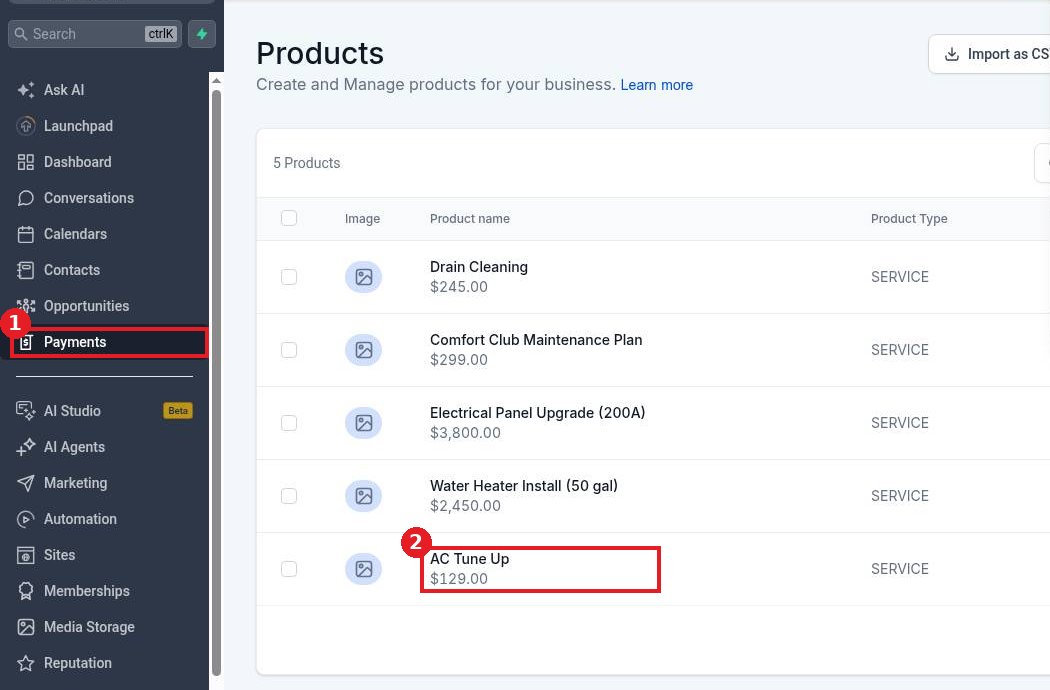
Click Payments (1) in the left menu and open the Products tab. Click a product to edit it (2), or create a new one.
Step 2: Include it in the online store
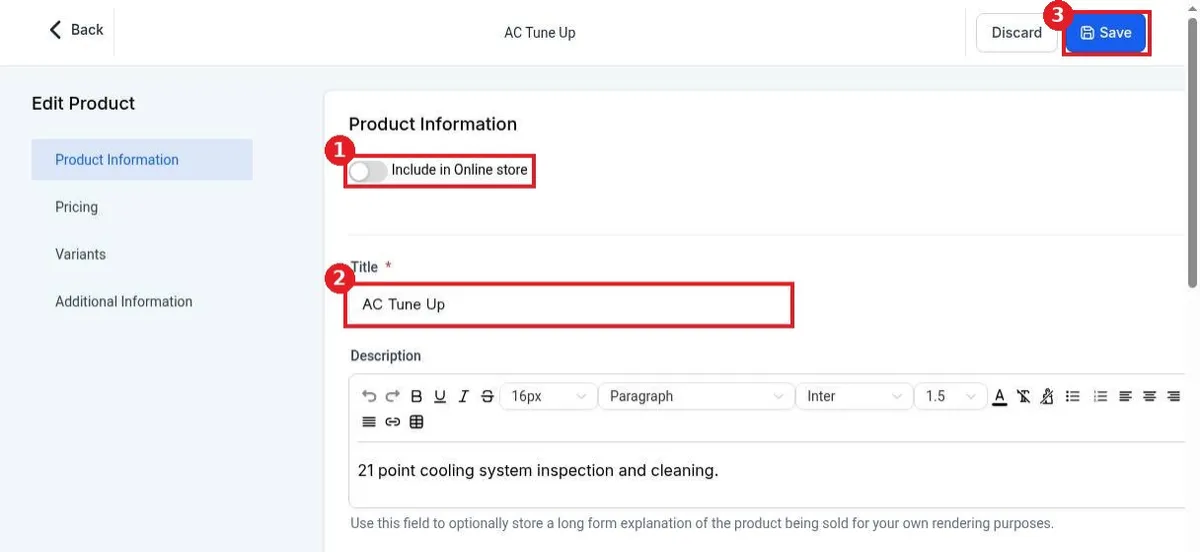
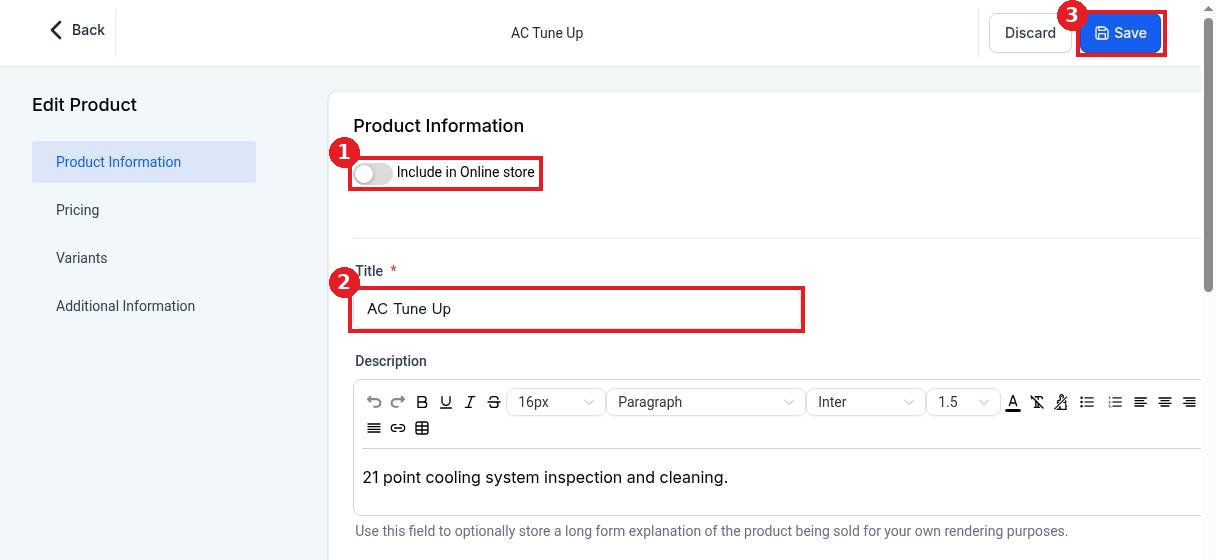
Turn on Include in Online store (1). Check the Title (2), then add pricing, variants and images in the left side sections. Click Save (3).
Step 3: Check the store Products tab
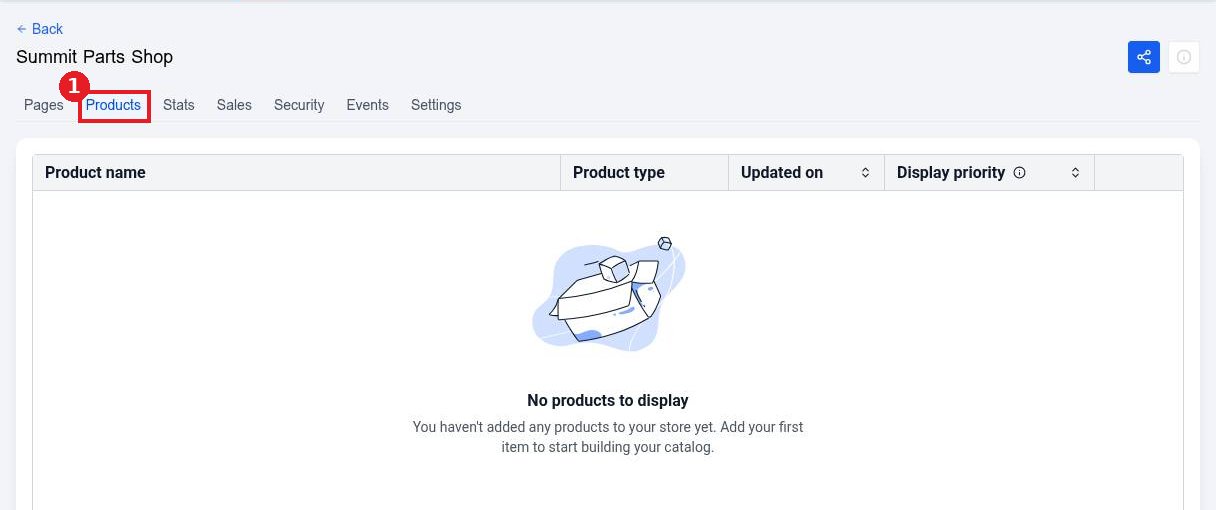
Open Sites > Stores, click your store and open the Products tab (1). Products you included show here, and you can set their display priority.
FAQ
Why is my product not in the store?
Make sure Include in Online store is turned on for that product and that you clicked Save.
Can I sell physical and digital products?
Yes. Set the product type when you create it. Physical products use your shipping settings.
Can I track stock?
Yes. Set inventory on the product's variants so the store shows when an item is sold out.
Want us to handle it? Our team designs and builds fast, mobile friendly websites that turn visitors into leads, then keeps them updated for you. Book a free strategy call and get a free quote.
Related articles
Still stuck? Submit a ticket and our team will help. Need faster answers? See our support plans.
