
How do I see site and funnel analytics?
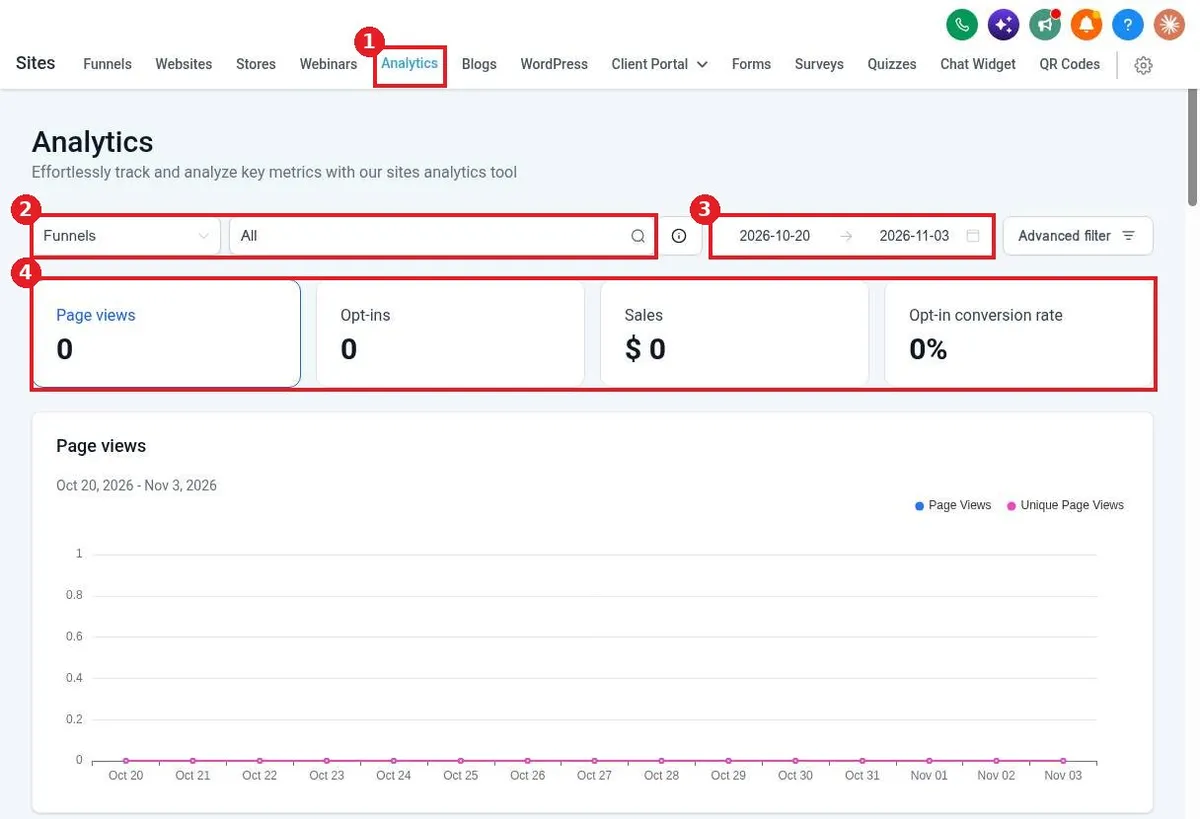
Quick answer: Go to Sites > Analytics. Choose Funnels or Websites, pick one or all, and set the date range. You will see page views, opt-ins, sales and opt-in conversion rate, with a chart over time.
Before you start
- Your site or funnel needs a connected domain and live traffic before numbers show.
- Each funnel also has its own Stats tab with per step numbers.
Step 1: Open Analytics and filter
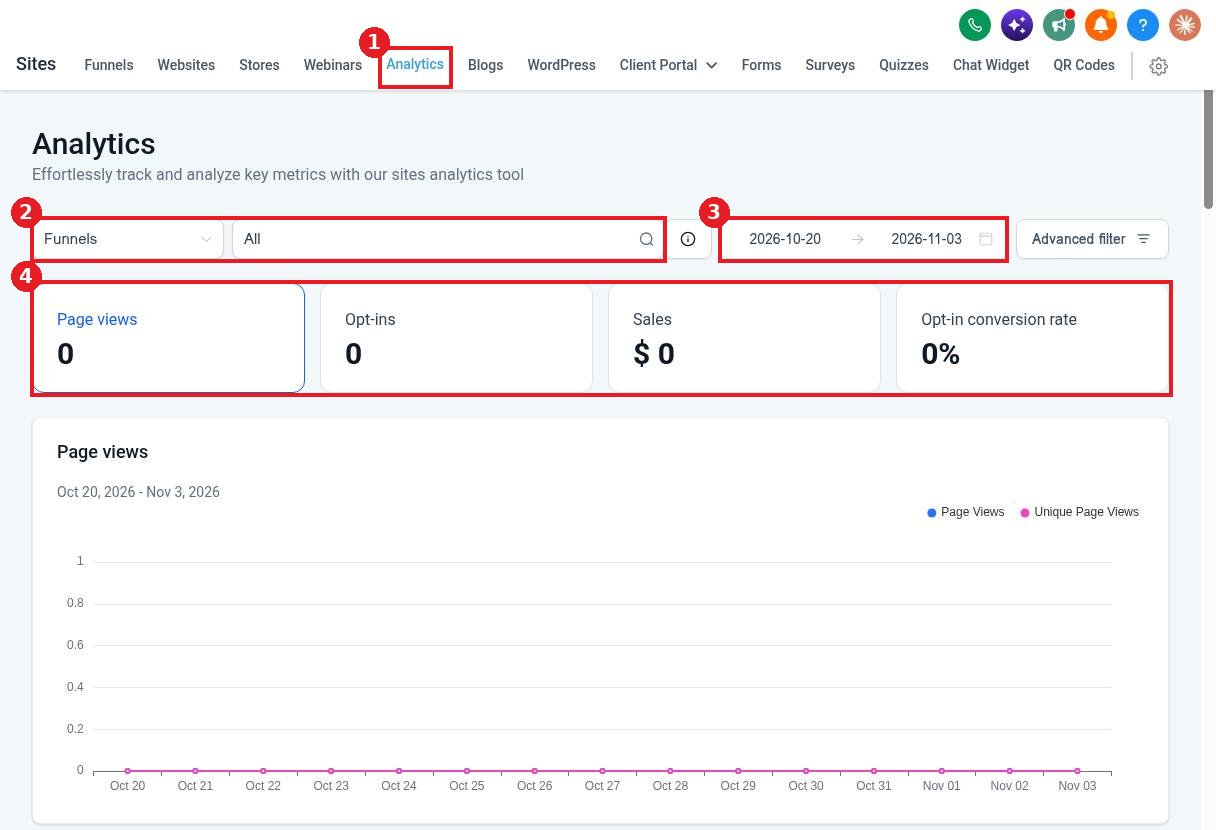
Open the Analytics tab (1). Pick the type and which site or funnel (2). Set the date range (3). Read the totals in the metric cards (4), then scroll for the charts.
Step 2: Check a single funnel
Open a funnel and click its Stats tab to see views and opt-ins for each step. Use it to find the step where people drop off.
FAQ
What counts as an opt-in?
A form, survey or order form submitted on the page.
Why are my numbers zero?
Check the date range and that the site has a connected domain and visitors.
Can I filter by device or source?
Yes. Use Advanced filter to narrow the results.
Want us to handle it? Our team designs and builds fast, mobile friendly websites that turn visitors into leads, then keeps them updated for you. Book a free strategy call and get a free quote.
Related articles
Still stuck? Submit a ticket and our team will help. Need faster answers? See our support plans.
