
Online Booking for Home Service Companies: A Setup Guide
Online booking lets a homeowner pick a service, choose an open time and receive a confirmation in under two minutes, without waiting for a callback. For a home service company, that means fewer missed calls, fewer scheduling mistakes and more jobs on the calendar. This guide walks through a practical setup you can finish in an afternoon using Reachific, which keeps your calendar, forms, texting and follow up in one place.
Why Online Booking Matters for Home Service Companies
Homeowners rarely wait. When a pipe leaks or an air conditioner stops working, they contact several companies and usually hire the one that responds first and makes the next step easy. If your only option is a phone call during business hours, you lose the people searching in the evening, on weekends or while they are at work.
Online booking solves three problems at once. It captures demand outside office hours, it removes the back and forth of finding a time that works, and it gives you the customer's details in a structured form instead of a rushed voicemail. Owners who add booking also tend to see fewer no shows, because the customer chose the time themselves and receives reminders automatically.
The goal is not to replace conversation. It is to make the first step effortless so you can spend your phone time on the customers who need real advice.

Step 1: Define Your Services and Set Real Availability
Start by listing the services customers can actually book. Keep the list short and clear, such as estimate visit, repair call, seasonal tune up or full cleaning. Each one should have its own name, a plain description and a realistic time length that includes drive time and cleanup.
Next, set availability the way your crew really works. Block out lunch, travel buffers and days off. If you have more than one technician or team, create a separate calendar for each and combine them, so a customer only sees times when someone is truly free. Add a daily limit so one busy day does not get overbooked.
Finally, set a minimum notice window. Many companies require at least a few hours of notice for standard visits and reserve same day slots for emergencies handled by phone. This protects your schedule while still giving customers the convenience they expect.
Step 2: Add Intake Questions That Prepare Your Crew
A booking form is more than a date picker. The questions you ask decide whether your technician arrives prepared or has to guess. Keep the form to what you truly need, because every extra field lowers the number of people who finish it.
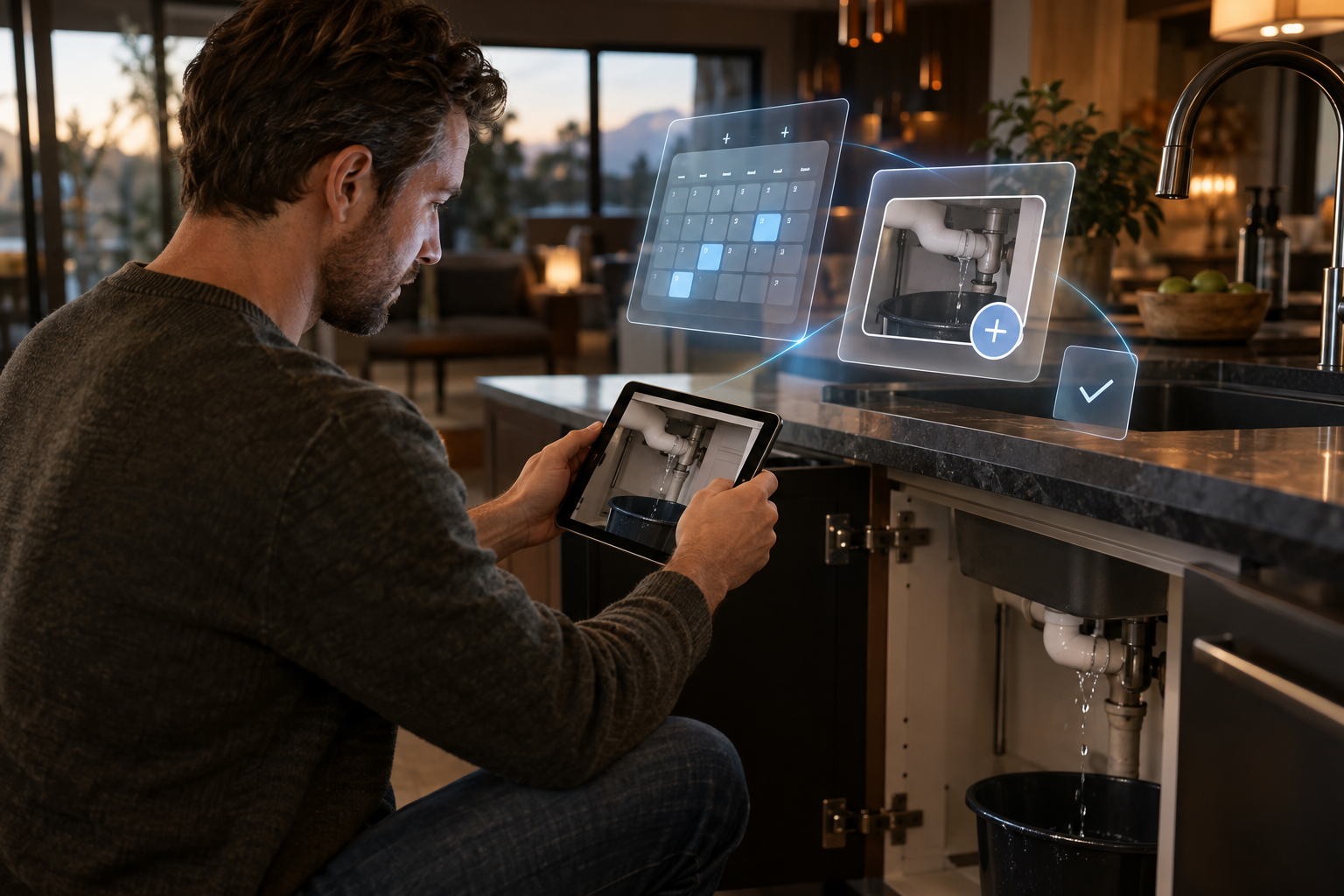
Good intake questions for home service work include the service address, the type of problem, how long it has been happening, the best phone number for texting and whether pets or gate codes are involved. A photo upload is especially useful for roofing, flooring and repair jobs, since a quick picture can help you prepare the right tools and quote more accurately before you arrive.
Add a consent checkbox for text messages so you can send confirmations and reminders by text. In Reachific, each submission creates or updates a contact record automatically, so the information lands in your CRM without anyone retyping it.
Step 3: Automate Confirmations, Reminders and Follow Up
Once a booking comes in, the customer should hear from you immediately. Set up an instant confirmation by text and email that repeats the service, date, time and address, and tells them what to expect when your technician arrives.
Then add reminders. A common pattern is one reminder the day before and another a couple of hours ahead, each with a simple way to reply to confirm or reschedule. Customers who can reschedule with one quick reply are far less likely to simply disappear, and you get time to fill the open slot.
After the visit, send a thank you message and a request for a review while the experience is fresh. If the visit was an estimate, trigger a follow up sequence that checks in over the next several days. Reachific lets you build all of this as one workflow, so it runs every time without anyone having to remember.
Where to Place Your Booking Link
A booking page only helps if people can find it. Add the link to your website header and contact page, your Google Business Profile, your email signature, your invoices and the texts you send customers. A missed call text back that includes the booking link turns a lost call into a scheduled visit.
Social profiles and local ads should point to the same page. Keep the experience consistent so customers recognize your brand, and test the full process on your own phone at least once a month. If it takes more than a minute to book, simplify it by removing fields or shortening the service descriptions.
Run a home service company? Visit our software for home services page, and learn more about our marketing automations service for booking reminders.
Frequently Asked Questions
How long does it take to set up online booking?
Most home service companies can launch a basic booking page in a few hours once services, hours and form questions are decided. Refining reminders and workflows can be done over the following week.
Will online booking cause double bookings?
Not if your calendar is connected and availability is set correctly. Buffers, daily limits and separate calendars for each technician keep the schedule accurate.
Can customers still call me?
Yes. Online booking adds an option and does not remove the phone. Many owners find that the calls they do receive are shorter and better qualified.
Do I need a separate tool for reminders?
No. Reachific handles booking, text and email reminders and review requests in one platform, so your information stays connected.
Online booking is one of the simplest upgrades a home service company can make. Define clear services, set honest availability, ask useful questions, automate reminders and share your booking link everywhere customers look. Do these things well and your calendar fills more evenly, your crew arrives better prepared and your phone stays free for the conversations that matter most.
