
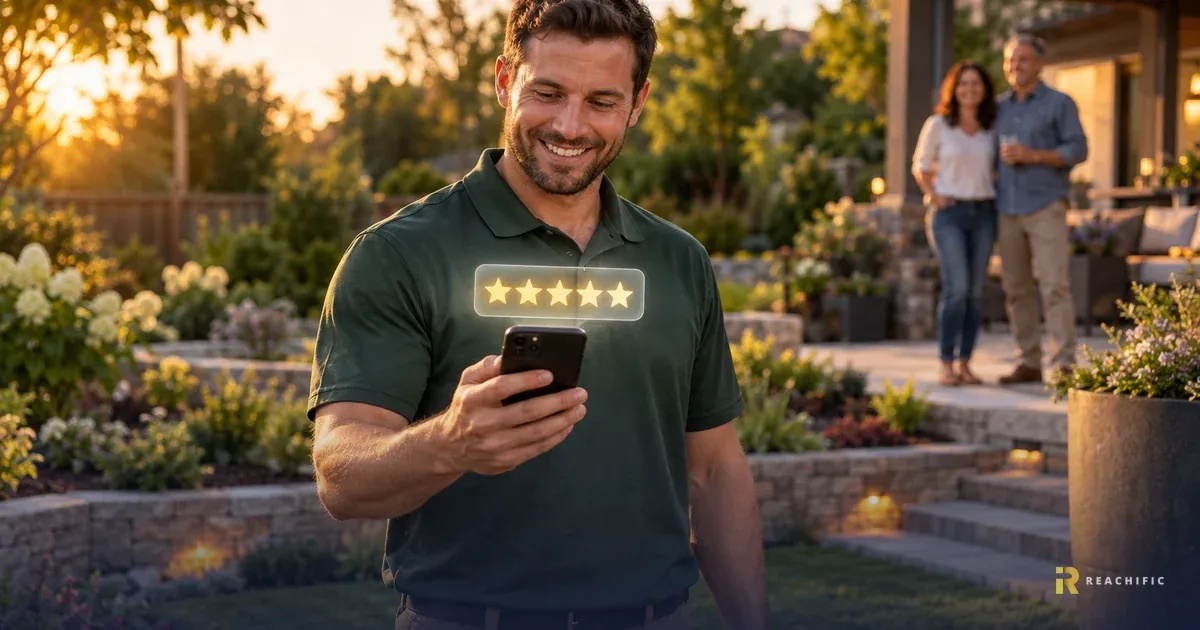
How to Get More Google Reviews Automatically
You can get more Google reviews automatically by sending a short review request by text and email right after each completed job, linking straight to your Google review page, and sending one polite reminder to customers who do not respond. Most happy customers are willing to leave a review. They just need to be asked at the right moment and given an easy way to do it.
Why Google Reviews Matter for Local Service Businesses
When someone searches for a roofer, a cleaner or a flooring company nearby, Google shows businesses with their star ratings and review counts. Customers compare those numbers before they ever call. A business with many recent, positive reviews looks trustworthy and gets more clicks than one with a few old ones.
Reviews also help your local visibility. Google considers the quantity, quality and freshness of reviews when deciding which businesses to show for nearby searches. The written content matters too. When customers mention the service they received and the neighborhood they live in, it helps search engines and AI assistants understand what you do and where you work.
The challenge is consistency. Owners intend to ask for reviews but get busy, so requests happen in bursts or not at all. Automation solves this by making the request part of every job, not something you have to remember.
A steady flow of new reviews beats a one time push every time.

The Best Time to Ask for a Review
Timing makes a large difference. The best moment is shortly after the work is finished, while the customer still feels the relief of a problem solved. For a cleaning, that may be a few hours after the visit. For a roofing or flooring project, it may be the day after the final walkthrough, once the customer has seen the result.
Avoid asking before the job is complete or while a billing question is open. Also avoid waiting weeks, because the details fade and the customer is less likely to respond. A simple rule is to send the first request within 24 hours of completion and a single reminder two to three days later.
In Reachific, you can trigger the request when a job is marked complete, when an invoice is paid or when an appointment status changes. That way the timing follows your real workflow without extra steps from you or your crew.
How to Set Up an Automatic Review Request
A basic automatic review system needs only a few parts. Start by finding your direct Google review link, which opens the review box when a customer taps it. Fewer taps mean more reviews.
Next, build a short automation with these steps:
Trigger: a completed job, a paid invoice or a finished appointment.
First message: a text with your review link, sent within 24 hours.
Email: a matching message for customers who prefer email.
Reminder: one gentle follow up if there is no response after a few days.
Stop rule: end the sequence once the customer clicks the link or replies.
Want review requests handled for you? Learn more about our review and reputation service.
Keep your contact records clean so each message reaches the right person with the right name. Reachific keeps texting, email, contacts and automation in one platform, which makes this setup quick to manage. For an exact price for your project, get a free quote.
Once the automation is live, check the first few messages yourself so you know customers see exactly what you intended.
What to Say in Your Review Request
Your message should be short, personal and specific. Thank the customer, mention the work you did and make the next step obvious. Here is a simple example for a text message:
Hi James, thanks for choosing Clearview Window Cleaning today. If you were happy with the service, would you share a quick review on Google? It takes about a minute and helps neighbors find us. Here is the link.
A few tips improve response rates. Use the customer's first name. Sign off with a real person's name. Keep the text under three sentences. Avoid pressure, and never offer discounts, gifts or other rewards in exchange for reviews, because Google's policies discourage that. Also avoid sending requests only to customers you expect to be happy. Asking everyone fairly is both more honest and more effective over time.
If you want more detailed reviews, add a gentle suggestion such as mentioning the service you received. This helps future customers and gives search engines useful context without scripting the customer's words.
How to Handle Replies and Negative Reviews
Automation gets the reviews in, but your response keeps the reputation strong. Reply to every review, positive or negative, within a day or two. A short thank you for good reviews shows that you pay attention. Reachific can alert you when a new review arrives so you can respond quickly.
For a negative review, stay calm and professional. Acknowledge the concern, apologize if something went wrong and offer to resolve it offline. Avoid arguing or sharing private details. Future customers read your replies, and a respectful response often builds more trust than a perfect rating would.
It also helps to catch problems early. If a customer replies to your request with a complaint, the message lands in your inbox first. You can fix the issue privately and often turn a frustrated customer into a loyal one. Just do not block unhappy customers from the public review link, since that practice goes against Google guidelines.
Finally, review your results monthly. Look at how many requests went out, how many customers clicked and how many reviews you gained. Adjust the wording or timing if the numbers stall.
Frequently Asked Questions
How many Google reviews should a local business have?
There is no fixed number. Aim for steady growth, since recent reviews matter as much as the total. Many local businesses see good results by adding a few new reviews every week.
Is it allowed to ask customers for Google reviews?
Yes. Google allows businesses to ask customers for reviews. You should not offer rewards for them, and you should not filter requests to reach only happy customers.
Should I send review requests by text or email?
Text messages usually get faster responses, while email works well as a backup. Using both gives customers a choice and improves your results.
How often should I send reminders?
One reminder a few days after the first request is enough. More than that can feel pushy and may hurt your reputation.
Getting more Google reviews does not have to depend on memory or spare time. Ask at the right moment, make the link easy to use, send one reminder and respond to every review that comes in. With a simple automatic system running in the background, your best customers will keep telling new customers why they should choose you.
