
How Creators Sell Digital Products From Their Own Website
Creators sell digital products from their own website by choosing one clear offer, building a simple product page, connecting secure checkout, delivering the file or access instantly, and following up with email and text to encourage the next purchase. Owning the whole process means you keep your audience, your customer data, and your brand instead of renting space on someone else's marketplace.
Here is a practical walkthrough you can follow with Reachific, which brings your website, payments, email, texting, and CRM into one place.
Choose a Product Your Audience Will Pay For
The best digital product solves one specific problem for the people who already follow you. Look at the questions your audience asks most often, the topics that get the most saves and replies, and the results people ask you to help them reach. Templates, guides, presets, workbooks, short courses, and toolkits are all popular starting points.
Start small. A focused product that delivers a quick win is easier to create, easier to explain, and easier to buy than a large program. You can always add bigger offers later once you know what your audience values.
Write the promise in one sentence: who the product is for, what they will be able to do, and how quickly. If you cannot say it clearly, your product page will struggle to say it either. Clear positioning matters more than fancy design when a visitor decides whether to buy.
Build a Simple Product Page on Your Own Website
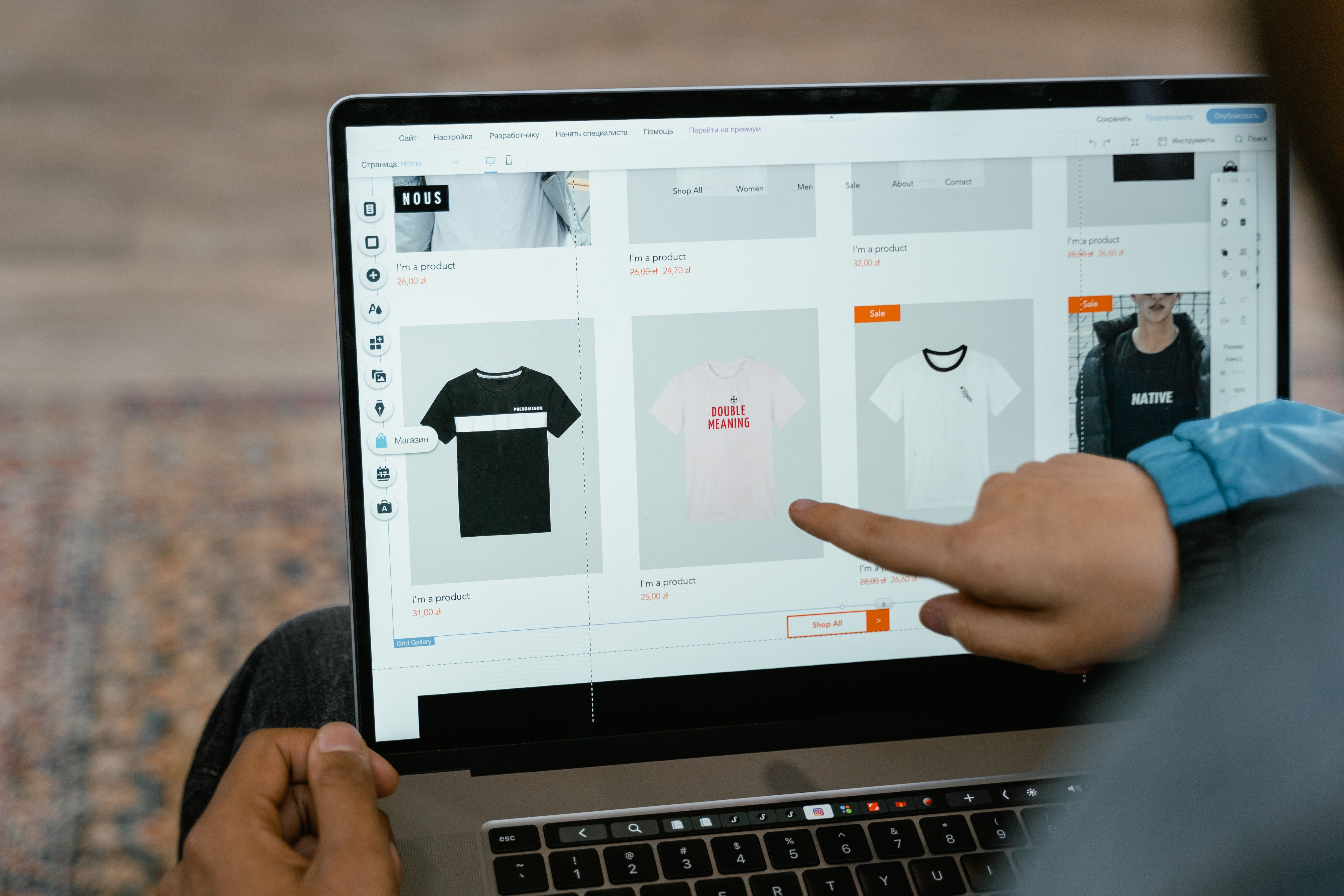
Your product page has one job: help a visitor decide. Lead with a headline that states the result, followed by a short description, a few bullet points of what is included, and a preview such as sample pages or a short video. Add testimonials if you have them, and answer common questions near the bottom.
Keep the page focused. Remove extra menus and distractions so the main button, whether it says Buy Now or Get Instant Access, is always easy to find. Make sure the page loads quickly and looks good on a phone, since many of your followers will arrive from social media on mobile.
Reachific lets you build pages and funnels without code, then connect them to your forms, calendars, and payment tools. If you are just starting out, the Basic plan is available starting at $97 per month, and the exact price comes from a free custom quote. For an exact price for your project, get a free quote.
Set Up Checkout and Instant Delivery
A smooth checkout reduces abandoned purchases. Offer familiar payment methods, show the total clearly, and ask only for the information you truly need, usually a name and email address. Include a short note about your refund policy so buyers feel confident.
Delivery should be automatic. As soon as payment clears, the customer should receive a confirmation and a download link or login to your course area. Nobody should wait for you to send a file by hand, especially if a sale happens at midnight. Automatic delivery also reduces support questions and builds trust from the first moment.
Once the purchase is complete, add the buyer to your CRM with a tag for the product they bought. This tag becomes the key to everything that follows, because it lets you send the right messages to the right people. It also keeps a clean record of who has bought what, so you never accidentally pitch a product someone already owns.
Follow Up to Turn Buyers Into Repeat Customers
The sale is only the beginning. Send a welcome email within minutes that explains how to use the product and what to do first. A few days later, send a check in asking how it is going and sharing a helpful tip. People who get value quickly are far more likely to leave a review and to buy again.
Then introduce your next offer when it makes sense. A buyer of your starter template pack might enjoy a deeper workshop or a membership. Use tags to segment your audience so you only promote what is relevant, and use short text messages for time sensitive launches, with permission from your subscribers.
For visitors who started checkout but did not finish, set up an abandoned checkout reminder with a friendly message and a link back to the cart. Many sales are recovered this way with no extra work once the sequence is built. Over time, these small automations create a steady stream of income that does not depend on posting every day.
Frequently Asked Questions
What digital products can creators sell?
Popular options include ebooks, templates, presets, courses, memberships, audio, and printable guides. Choose what fits your expertise and audience.
Do I need my own website to sell digital products?
You do not strictly need one, but selling from your own site gives you control over branding, pricing, customer data, and follow up.
How do customers receive their purchase?
After payment, an automated email delivers a download link or course access, so the customer gets the product immediately.
How do I get repeat sales?
Tag each buyer, send helpful follow up, and share relevant new offers through email and text with permission.
Start With One Product and Improve From There
You do not need a large catalog to begin. Launch one focused product, watch how visitors move from page to checkout, and refine the headline, preview, and follow up based on what you learn. As your list grows, add new products and bundles that fit what your buyers already love. Selling from your own website takes some setup, but once the pieces work together, it gives you a dependable business that you own and can grow on your terms.
